5 Reasons to connect BRIZ before renovations begin
to read 6 хв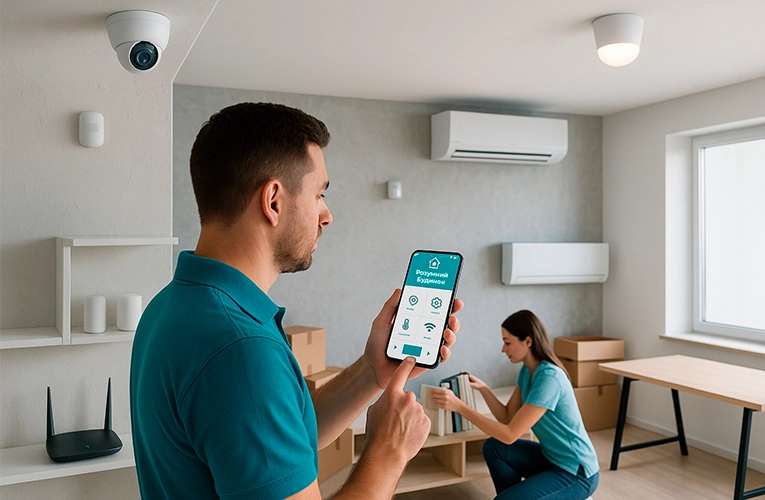
- How to hide cables neatly in a new build
- Move in and go online immediately: fast home internet setup
- Save time and money: one technician visit instead of two
- Test smart home features before finishing touches
- GPON energy independence: internet without power even during renovation
- How to connect BRIZ internet in a new build: step-by-step
- FAQ: common questions from new homeowners
How to hide cables neatly in a new build
Imagine this: the renovation is complete, the interior looks perfect… and a cable runs along the wall! Not the best look, right? Let’s see how to avoid this situation.
Preparing the path for GPON internet
Although GPON technology is based on thin fiber optics, internal Internet distribution within an apartment is most often carried out using conventional copper twisted pair. This is because most household devices, such as televisions, computers, and game consoles, do not have ports for a direct fiber optic connection.
In addition, fiber optics have certain limitations: they are difficult to bend without risk of damage, require special sockets, patch cords, and adapters for connection, and are more expensive to install. Therefore, for convenience and versatility, installers often choose copper cable.
Tip from a BRIZ engineer: plan your router location(s) (considering a Mesh system) to avoid “dead zones.” Take into account furniture and electronics placement for seamless Wi-Fi coverage.
Move in and go online immediately: fast home internet setup
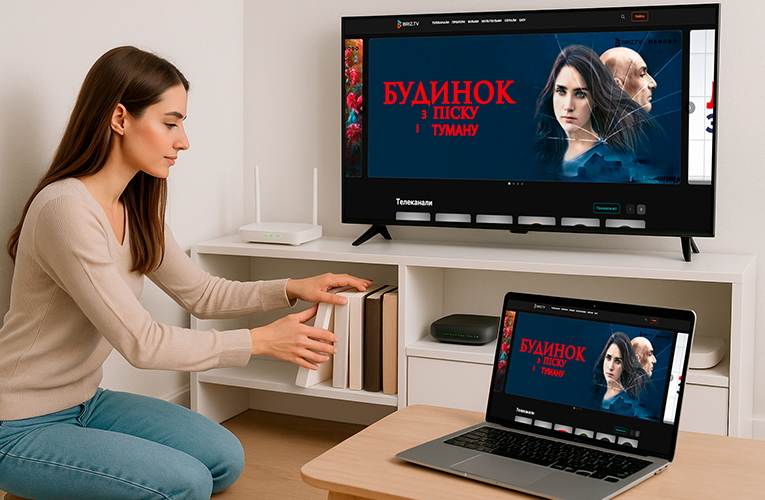
Now picture this: renovations are done, furniture is in place, and your home internet… is already working! No need to wait for installation or struggle with mobile internet.
GPON internet is activated almost instantly once the equipment is installed. Fiber optic technology delivers maximum speed right from the start.
Real-life example: a family in Arcadia connected BRIZ during renovations. On move-in day, they could already work from home and stream 4K movies.
Fixed rates for a year
If you connect before the renovation is completed, BRIZ offers a 12-month rate lock for tariffs. That means protection from price changes and consistent internet costs.
Save time and money: one technician visit instead of two
Once the construction team works in the apartment, it’s the most convenient time to bring in the internet provider. Let’s compare two approaches:
|
Parameter |
Before renovation |
After renovation |
|
Technician visits |
1 |
2-3 |
|
Extra work |
None |
Wall chasing, painting |
|
Installation time |
2-3 hours |
Up to 2 days |
Ordering GPON internet at the same time as renovation work optimizes your entire move-in process.
Test smart home features before finishing touches
Modern apartments are filled with smart devices that need a reliable internet connection. By installing fiber internet during renovations, you can:
- test security systems, cameras, and sensors;
- set up smart lighting and climate control before moving in;
- check Wi-Fi coverage in each room and adjust equipment if needed.
This is especially important for IT professionals and freelancers who need dependable internet from day one.
Real-life experience: an IT specialist in the Chornomorskyi complex discovered compatibility issues between smart sensors and the router thanks to early installation. Everything was resolved before the apartment was handed over.
GPON energy independence: internet without power even during renovation
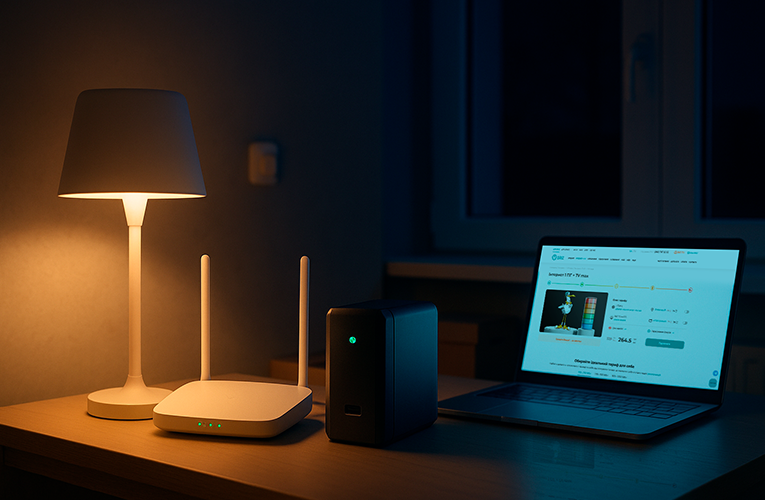
GPON has a unique advantage – it can work even during power outages. This is especially relevant during emergency shutdowns or potential blackouts.
Important:for complete energy independence, you need to power either a GPON router or subscriber equipment, which includes an ONU terminal and a router. BRIZ offers this equipment at special prices, including an extended warranty, delivery, and setup.
How to connect BRIZ internet in a new build: step-by-step
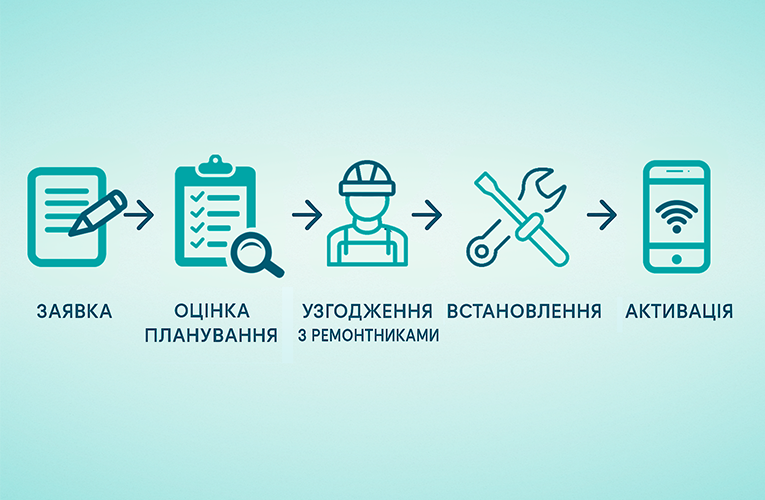
Here are your options for enjoying comfortable home internet access.
Step 1: Submit a request
Contact BRIZ for a consultation with aspecialist. They’ll assess connection options and recommend the best solution.
Step 2: Approve cable routing
The specialist will design a fiber layout based on your apartment’s plan and future furniture arrangement.
Step 3: Coordinate with renovation team
Schedule the installation to align with electrical work for seamless integration.
Step 4: Install equipment
After the main renovation, technicians install the router and test the connection.
Step 5: Activate and configure
To save money, BRIZ allows you to pause your service in your account. You can also activate the service anytime – just ensure your balance covers the cost.
FAQ: common questions from new homeowners
Do I need to be present during installation?
No – just ensure the specialist has access. A representative from your construction team or the renovation manager can handle this.
Is special equipment needed?
BRIZ provides everything: optical terminal, cables. You can also order a UPS for backup power.
How long does installation take?
From request to activation – 1-2 business days. Installation takes 2-3 hours. You can activate the service anytime after setup.
Can I change my plan later?
Yes, you can change your rates yourself in your account or mobile app using the “Instant Rate Change” service or by contacting technical support directly. The first 5 changes per month are free of charge.
Home internet by BRIZ – not just fast connection, but a well-thought-out infrastructure for a comfortable life in your new home. Connect smart – connect early!
Receive information about promotions and news from BRIZ to your email address

Be the first to comment