1.Open the connected device.
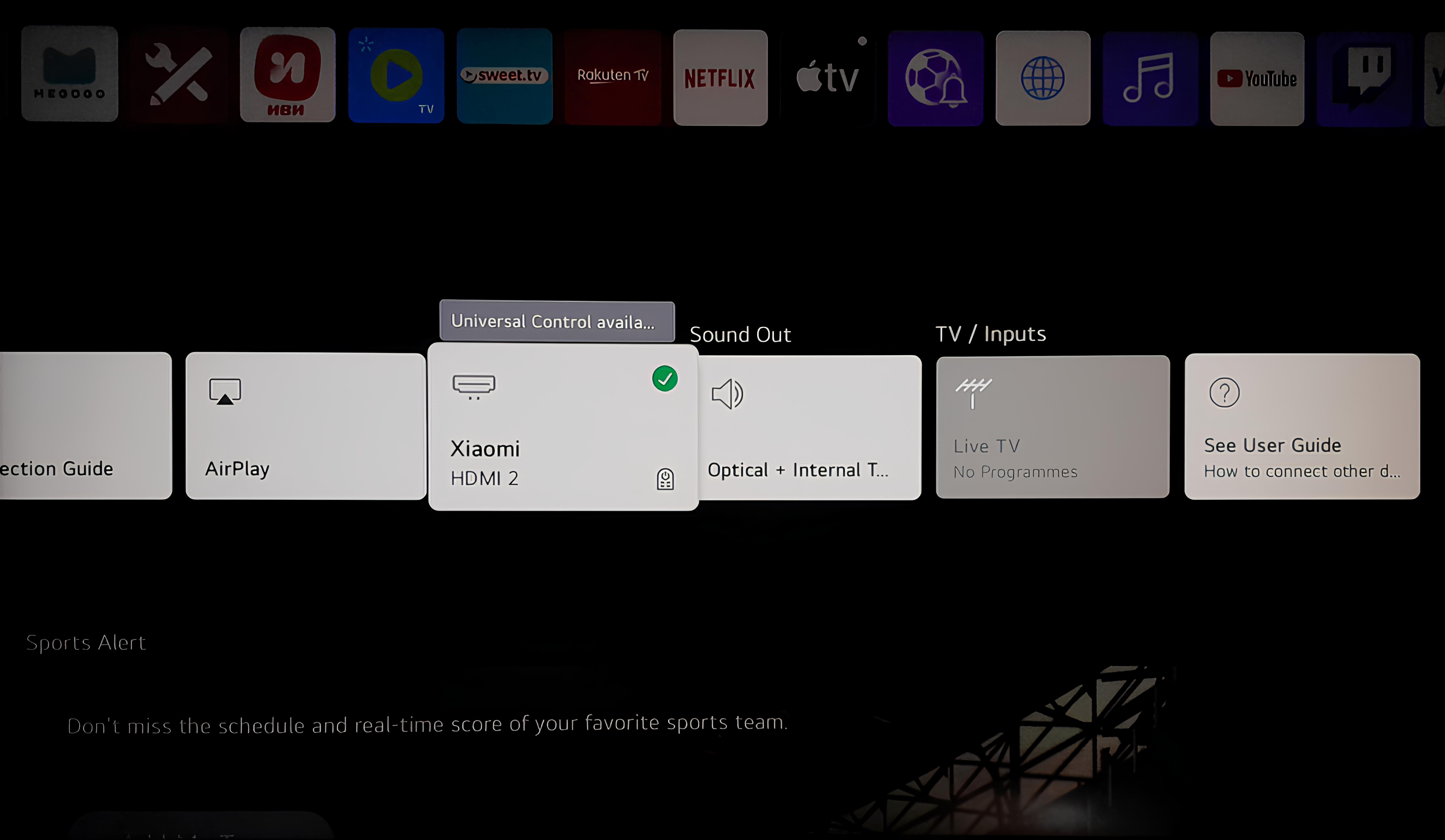
2.Navigate to the "Apps" section.
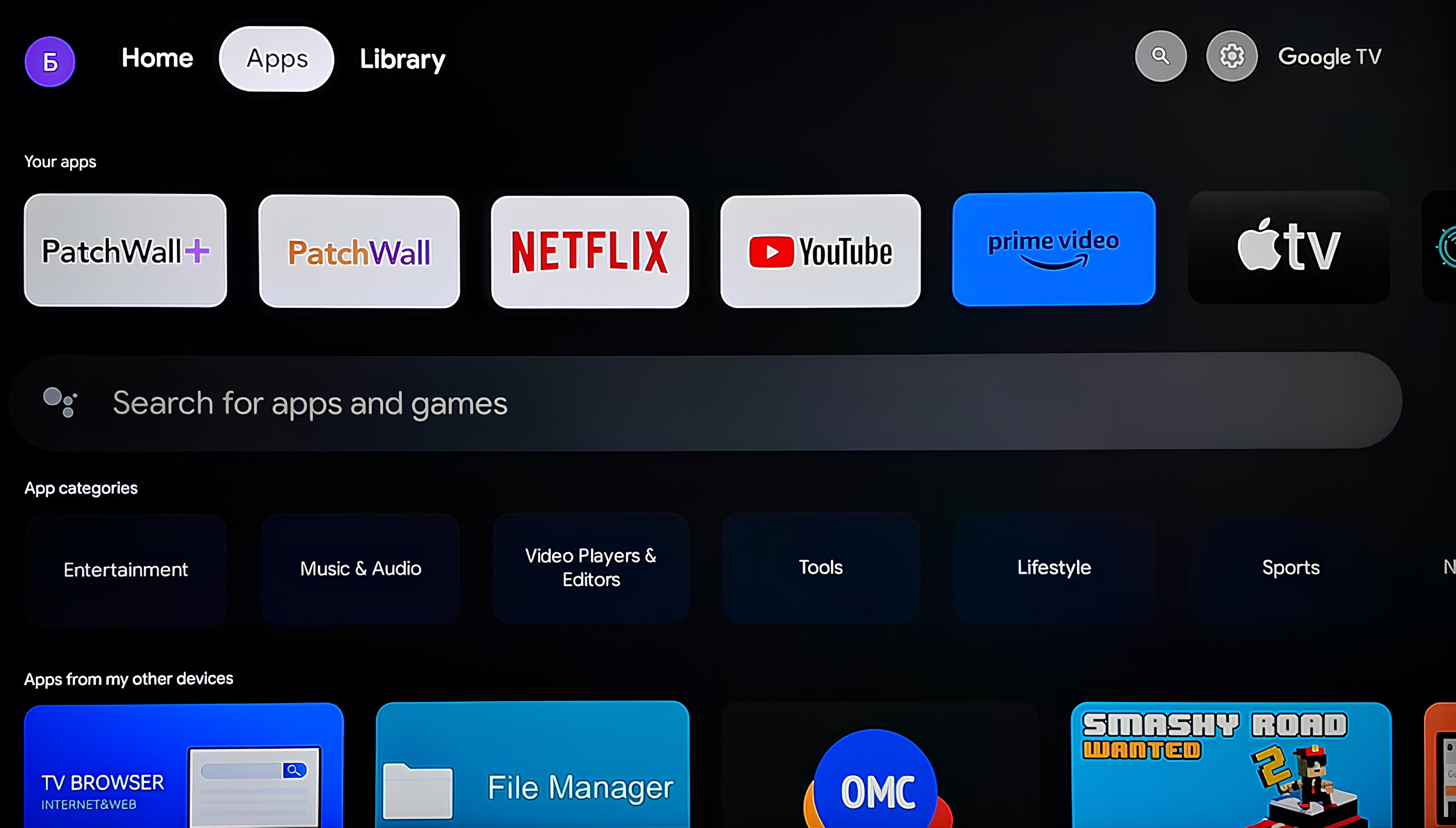
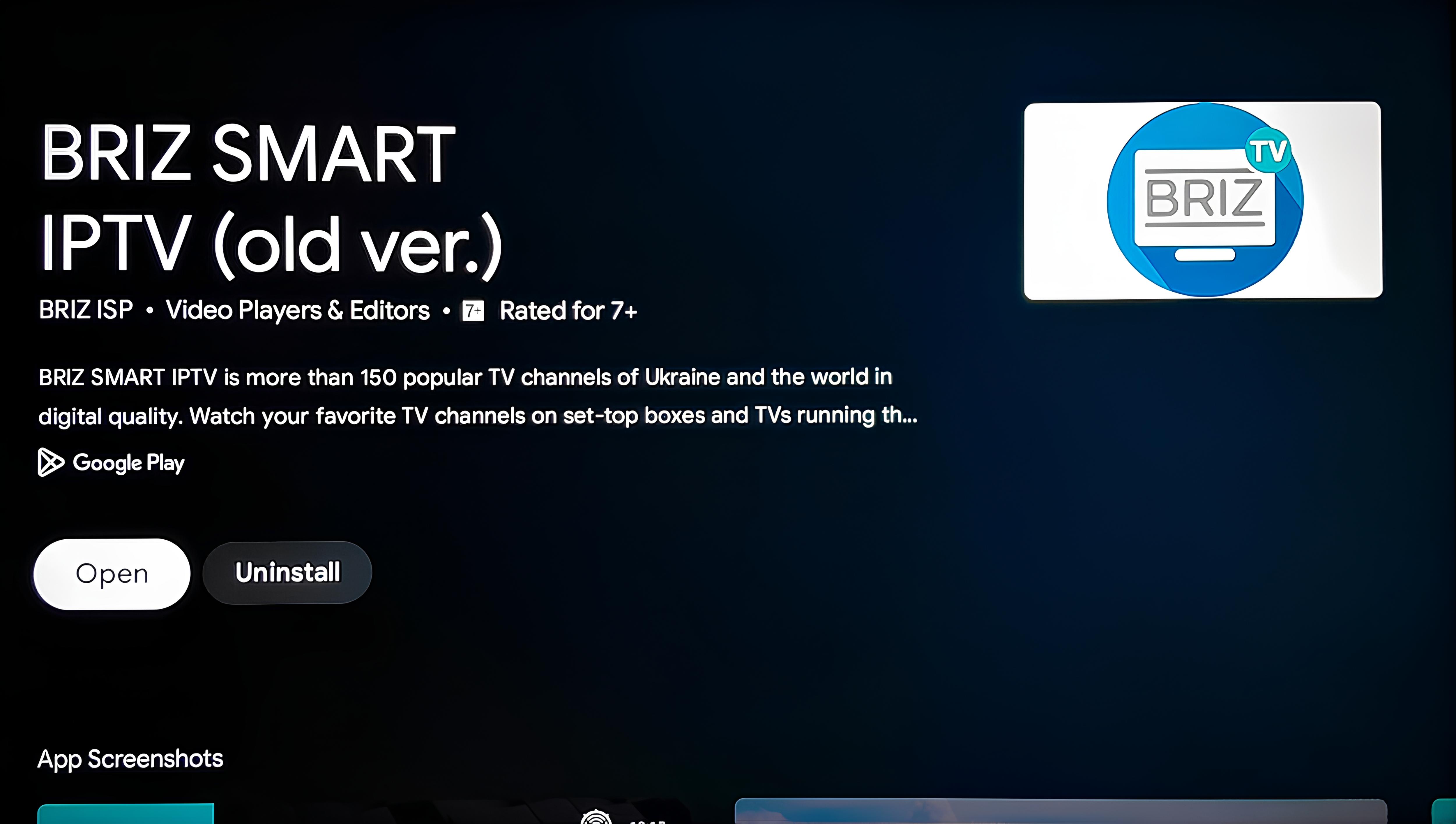
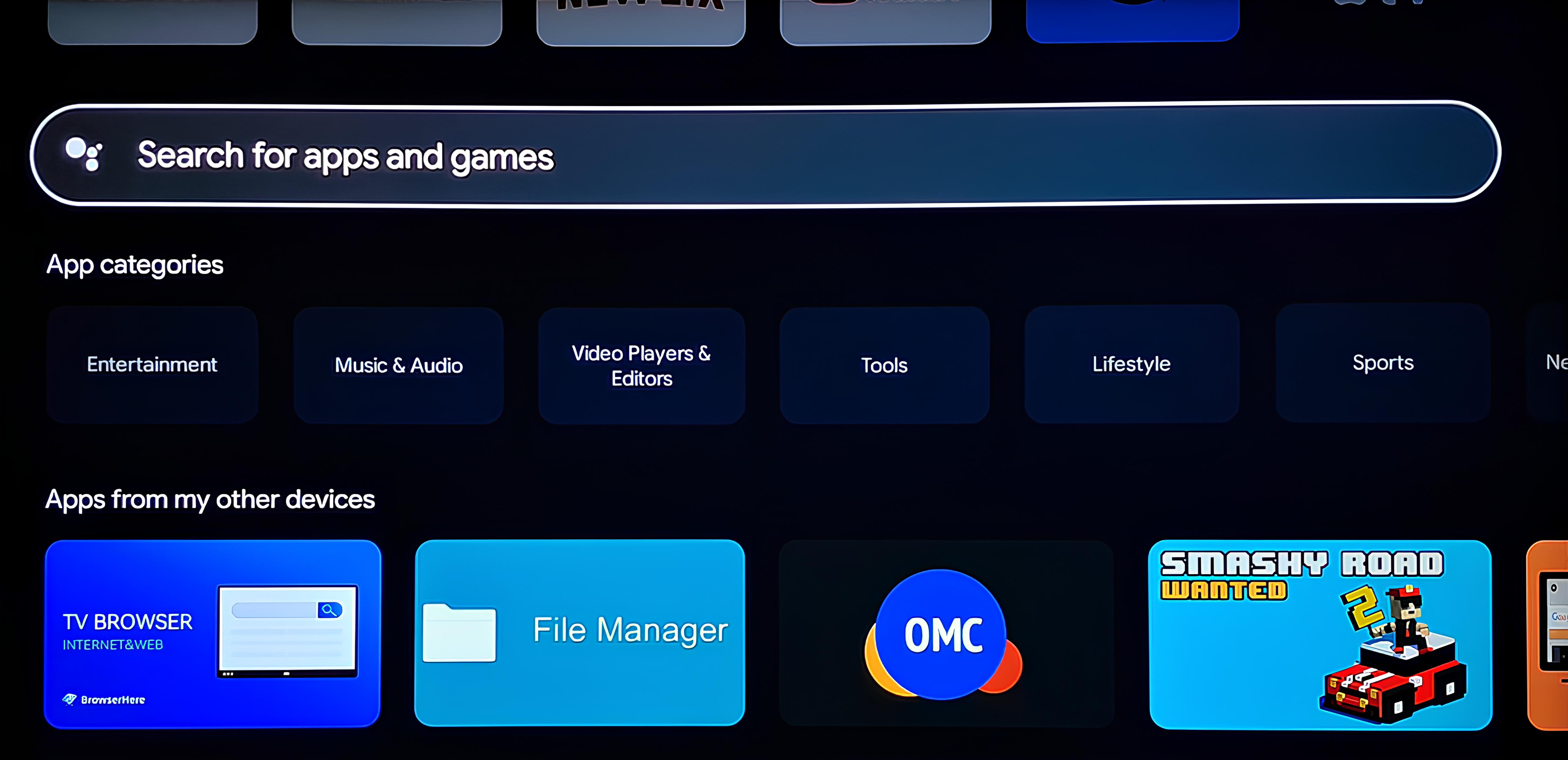
3.In the search bar (located under your apps), type the name of the app - Briz Smart IPTV.
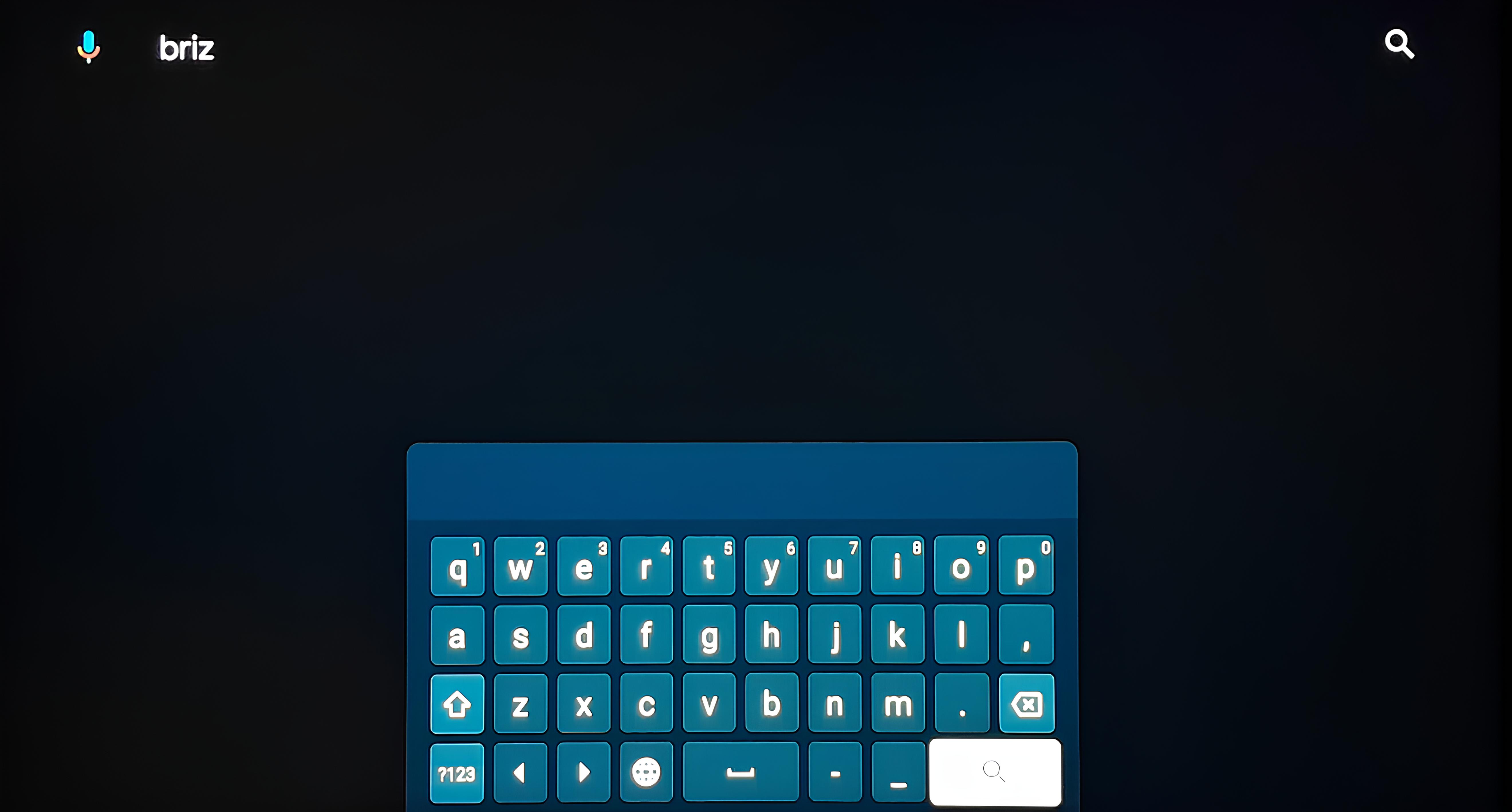
4.Once the search results display the app, select it.
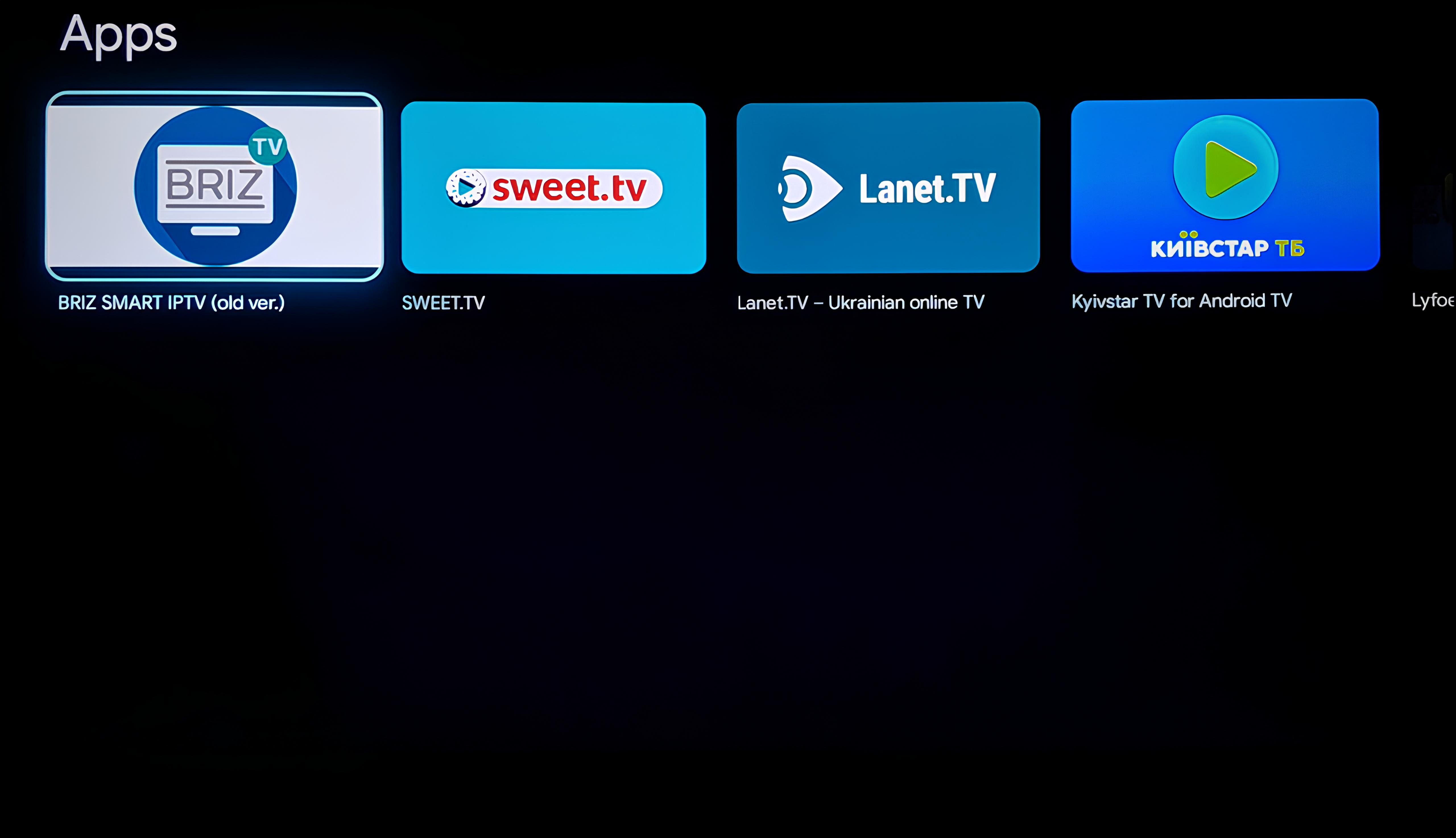
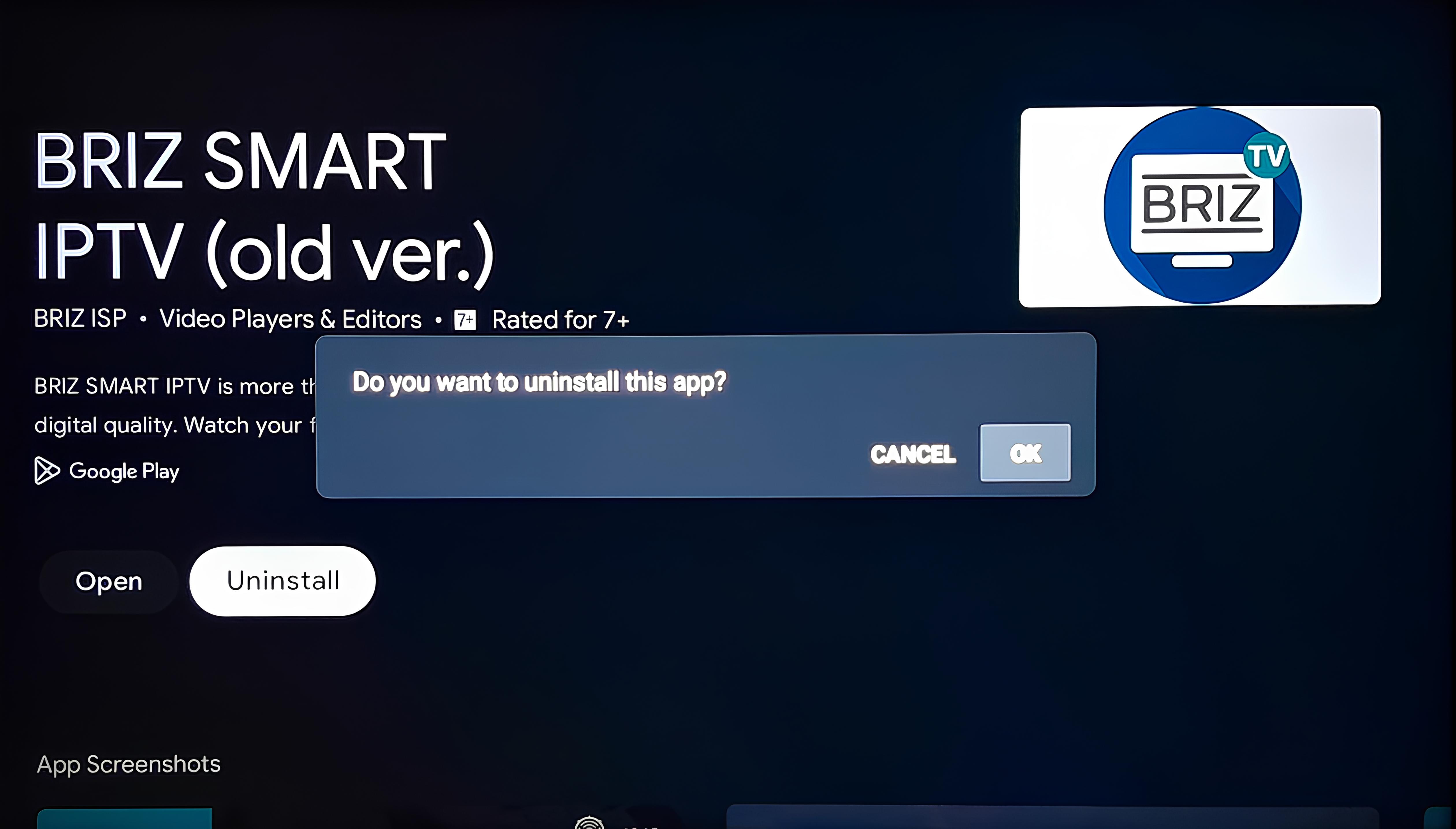
5.Click on "Uninstall" to remove the Briz Smart IPTV app.
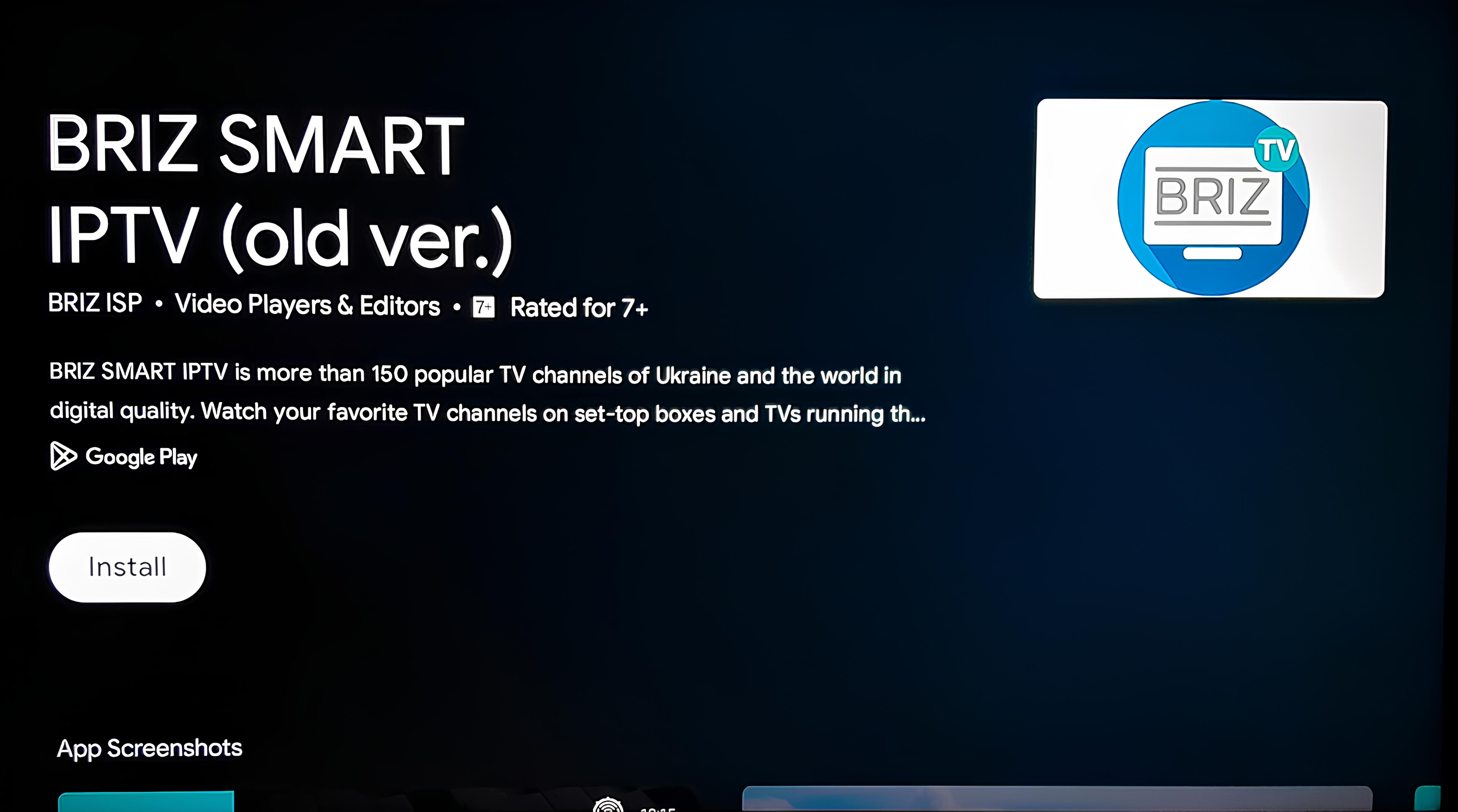
6.Click on "Install" to reinstall the app.
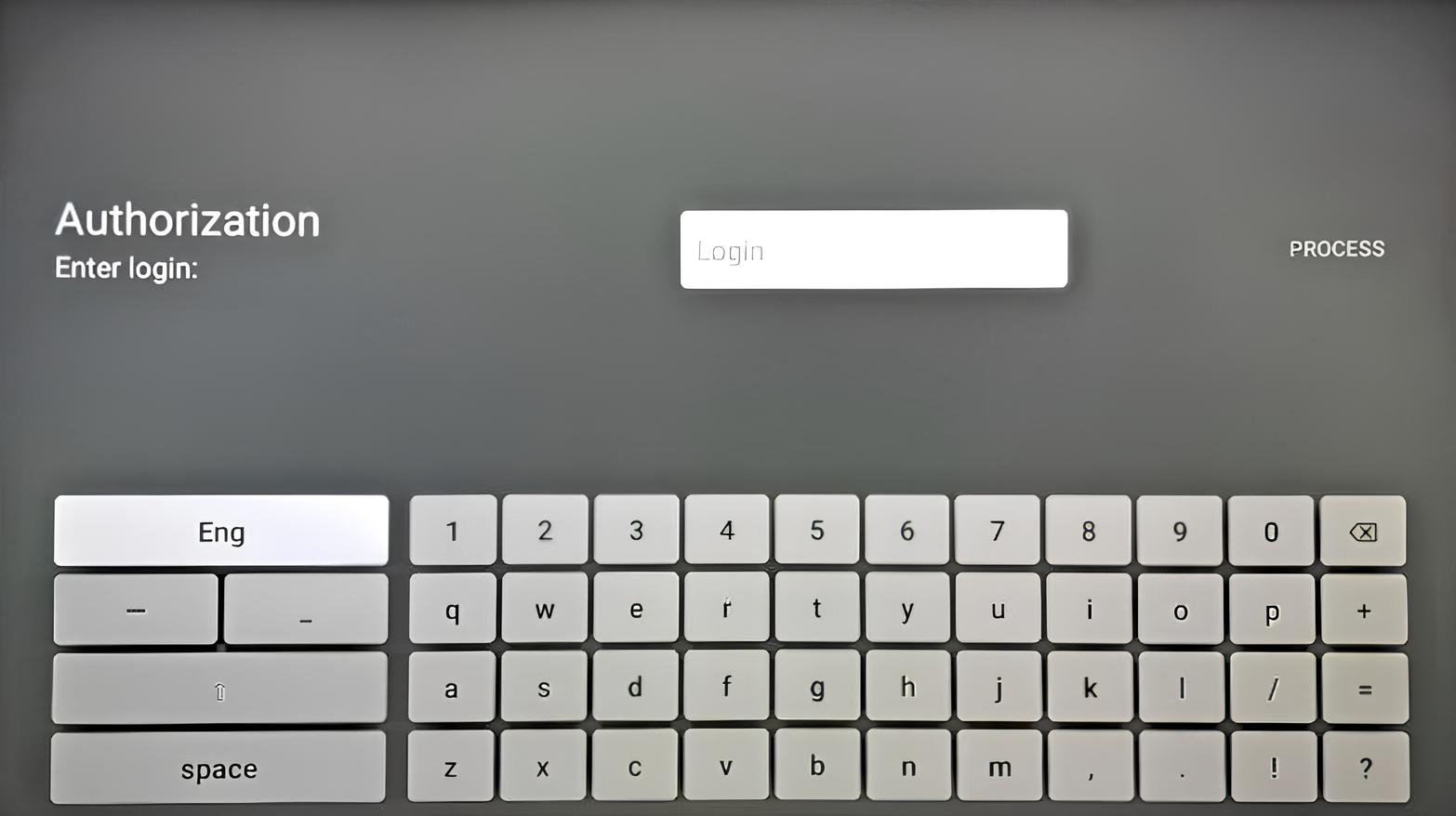
7.After the download is complete, click "Open". This will take you to the Briz Smart IPTV authorization page.