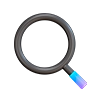
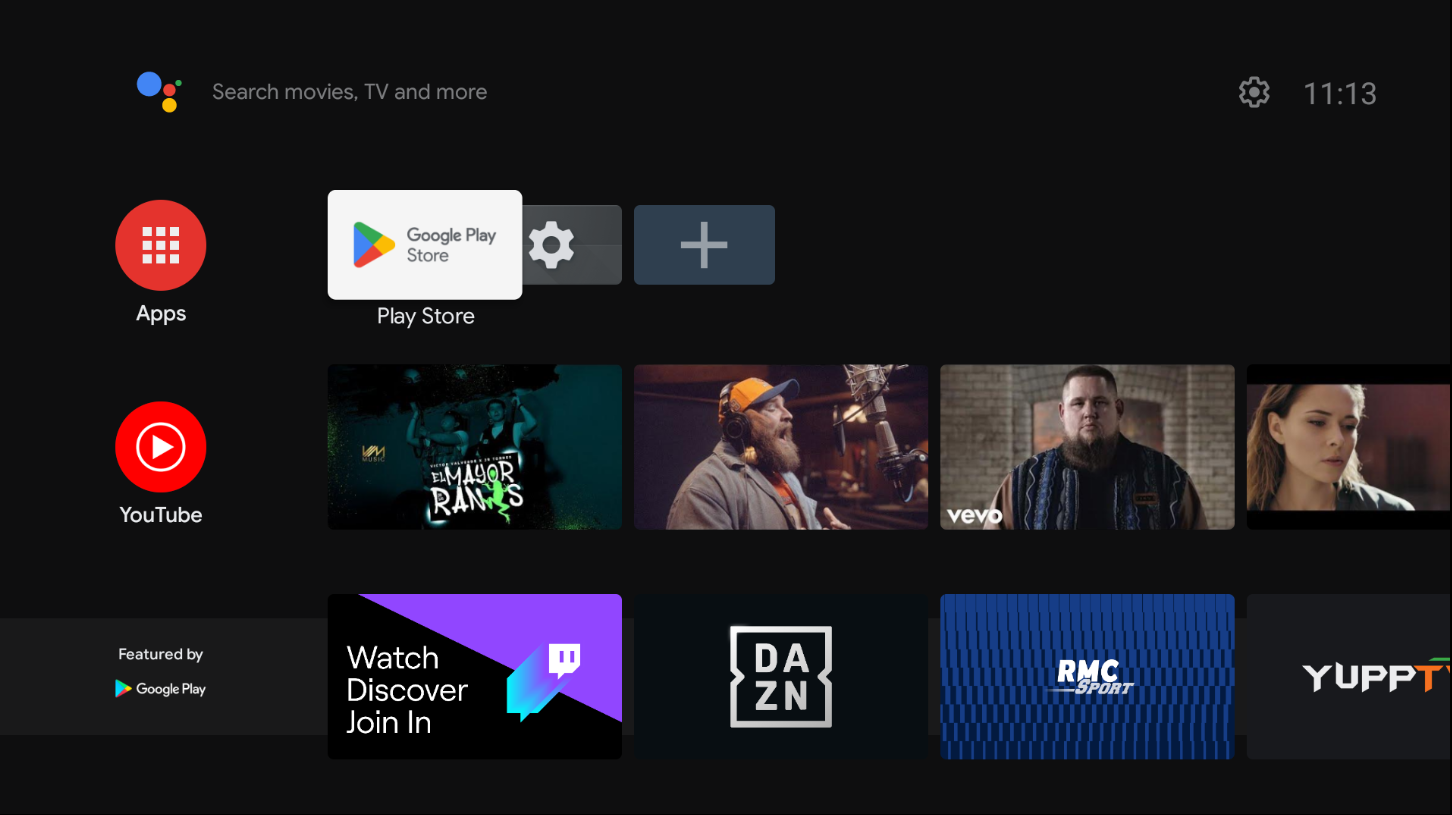
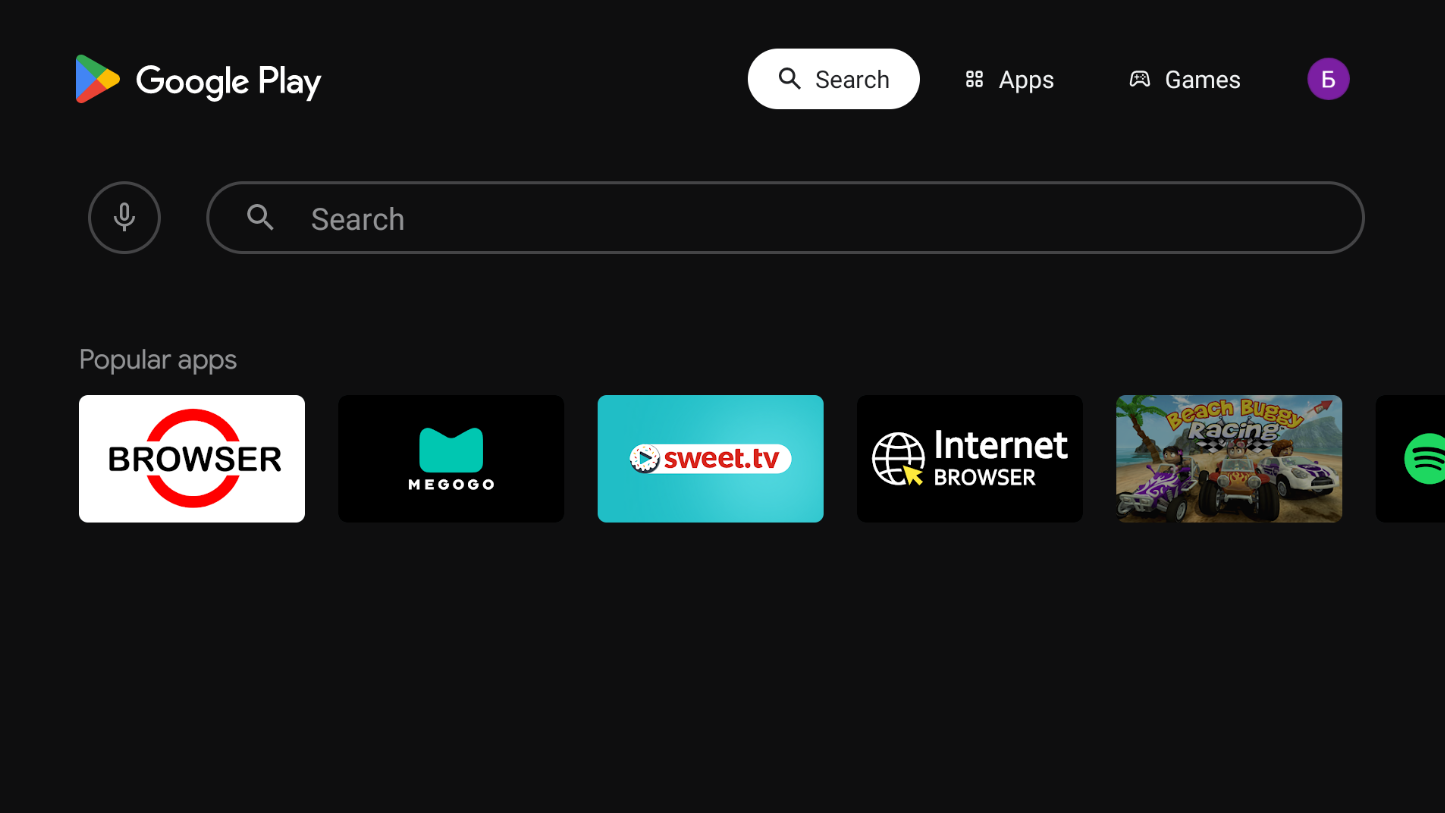
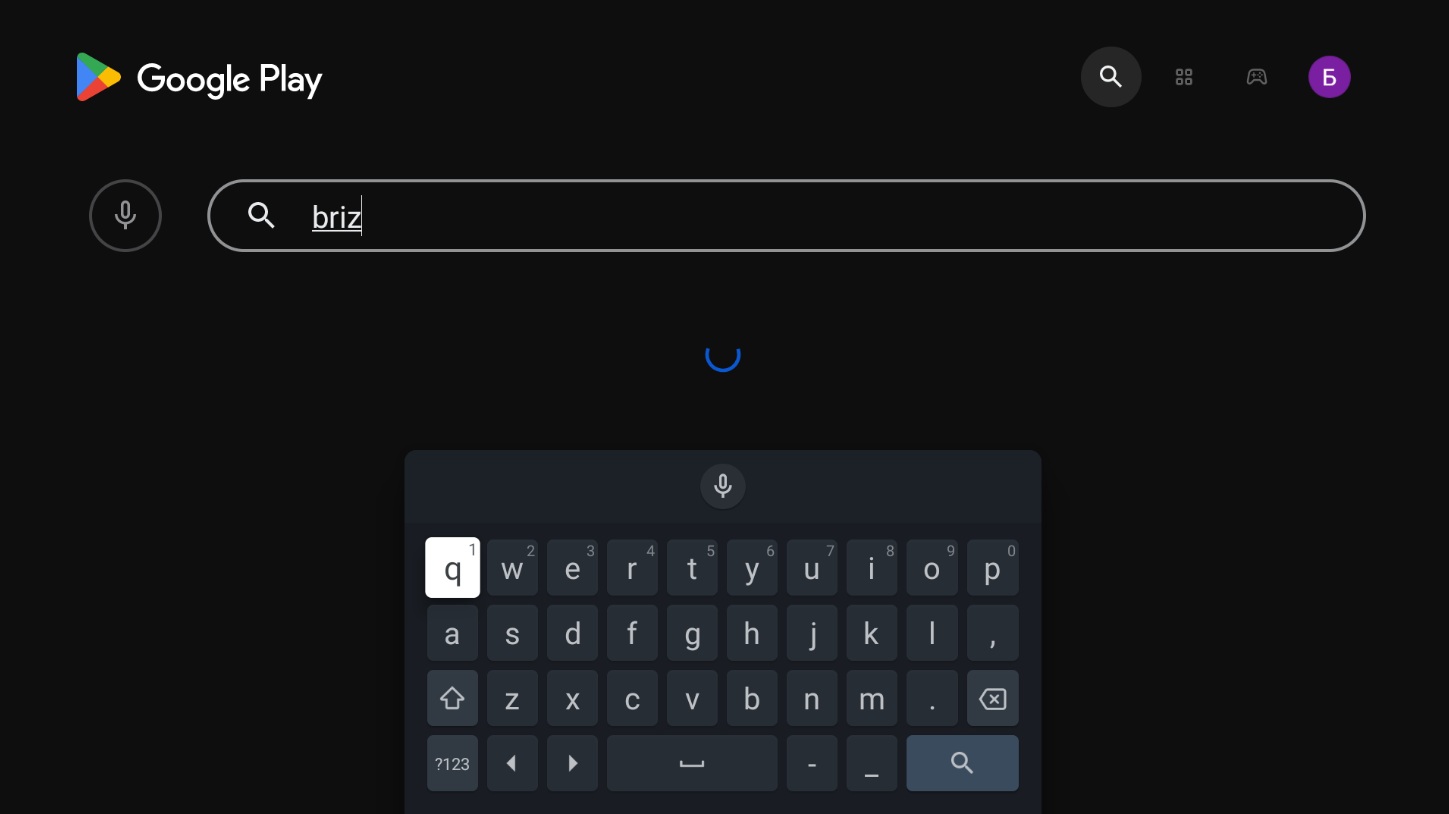
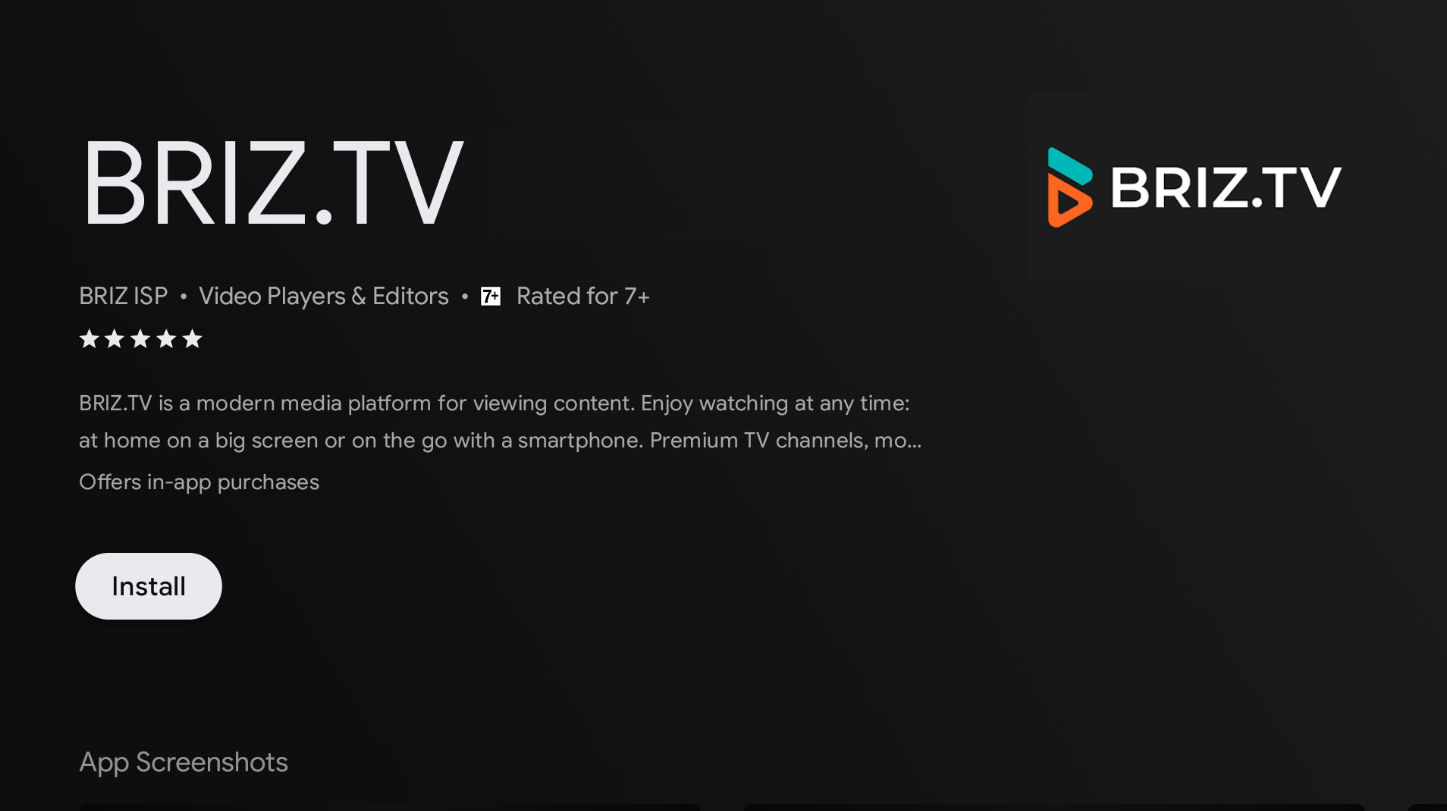
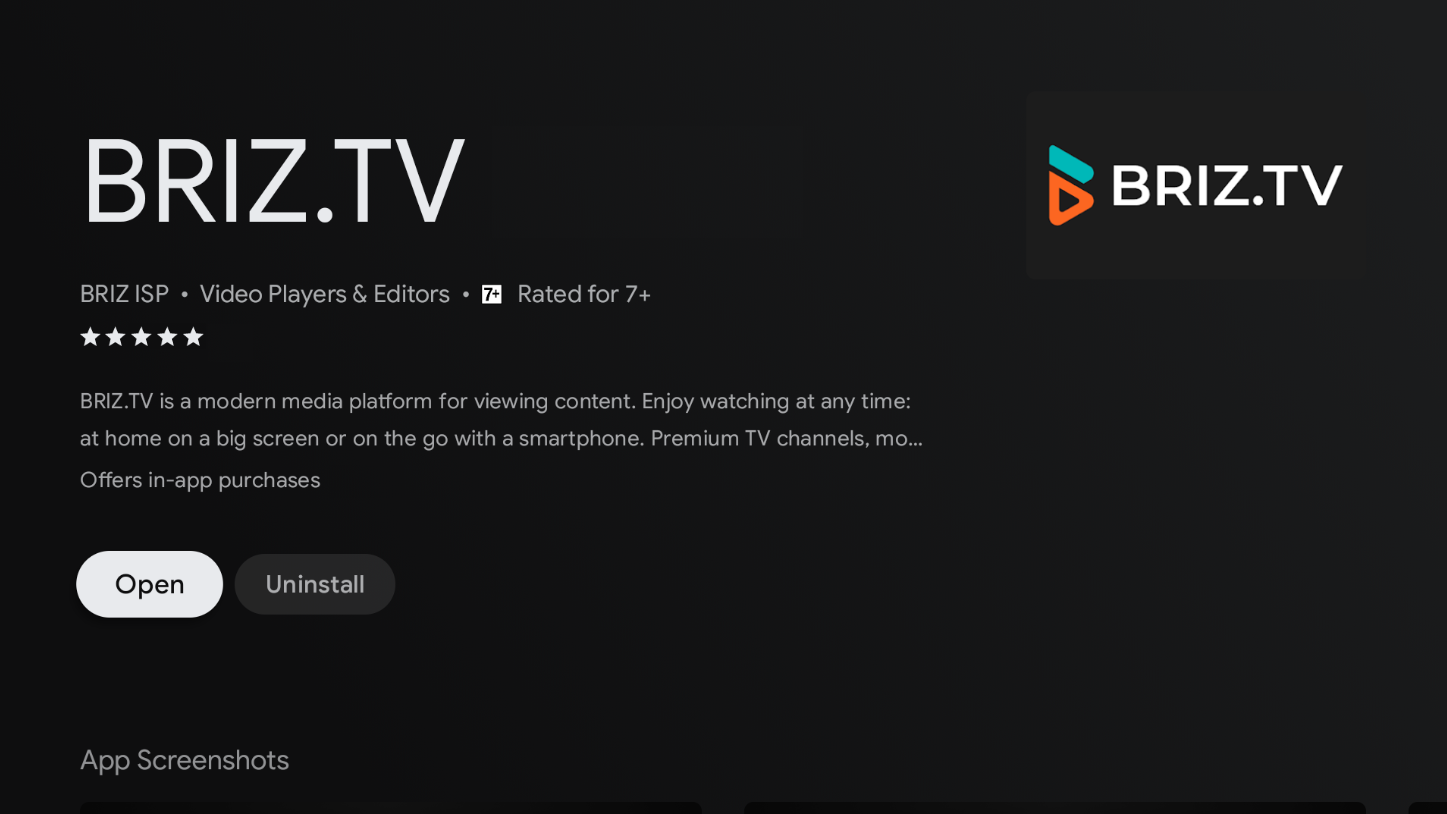
1. Open the Play Market app; 2. On the search page («Magnifier» icon in the upper right corner of the screen), enter the name of the application - BRIZ.TV;
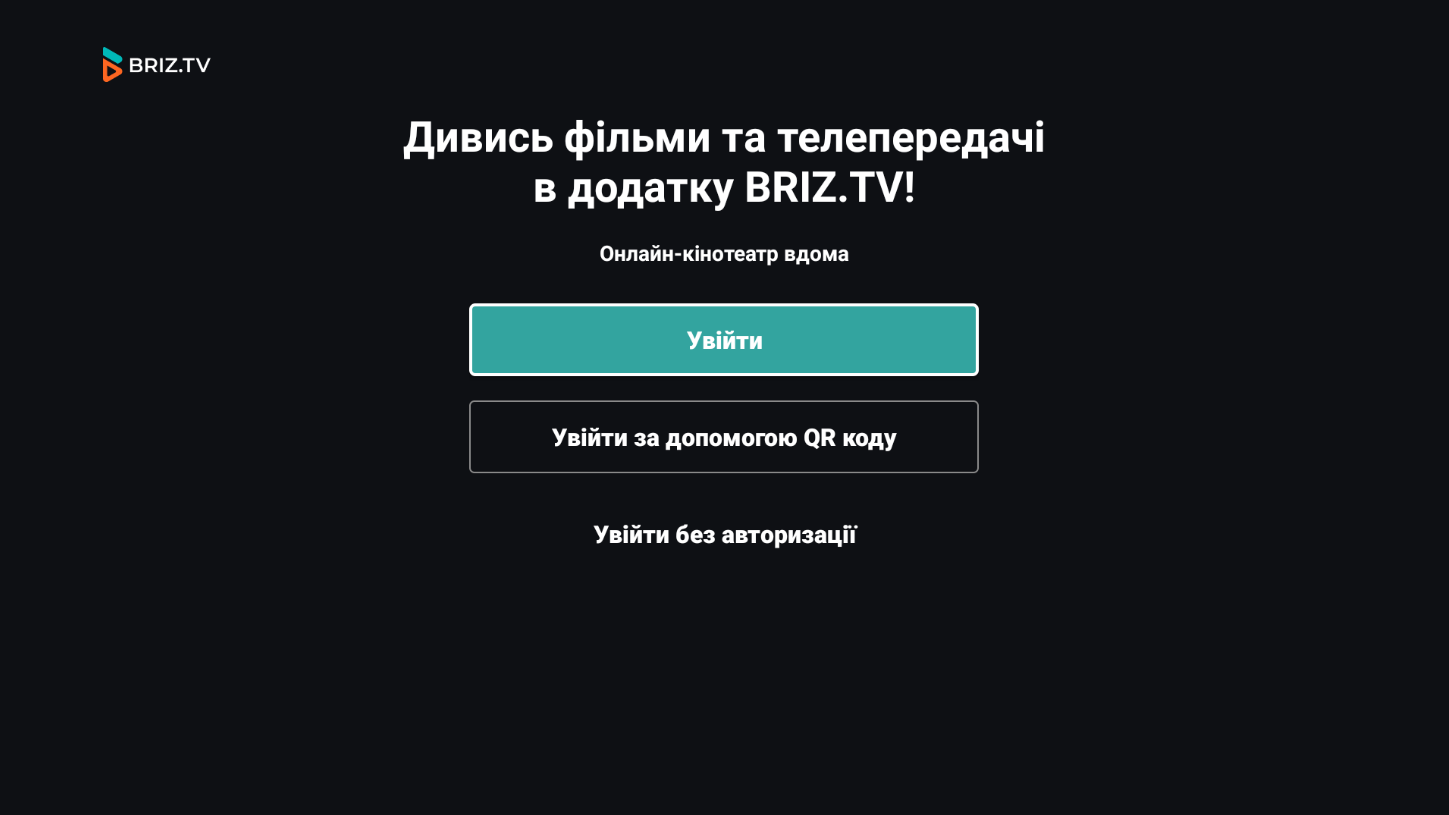
3. Once the search results display the app, select it and click on «Install»; 4. After the download is complete, click «Open». This will take you to the BRIZ.TV authorization page.
Support Contacts
Assistant from «BRIZ» in Telegram