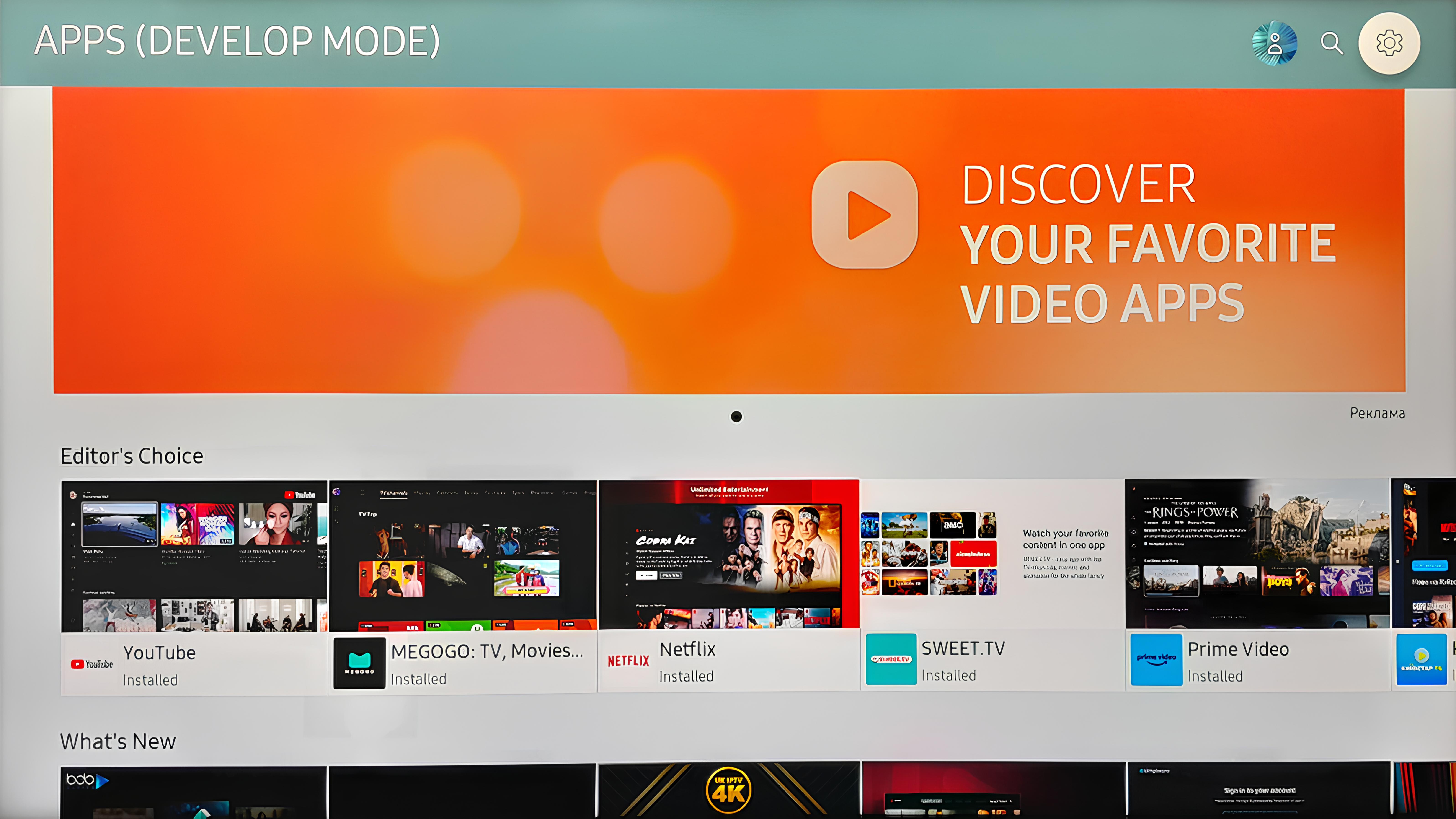
1.Navigate to the menu and select the "Apps" section on your TV.
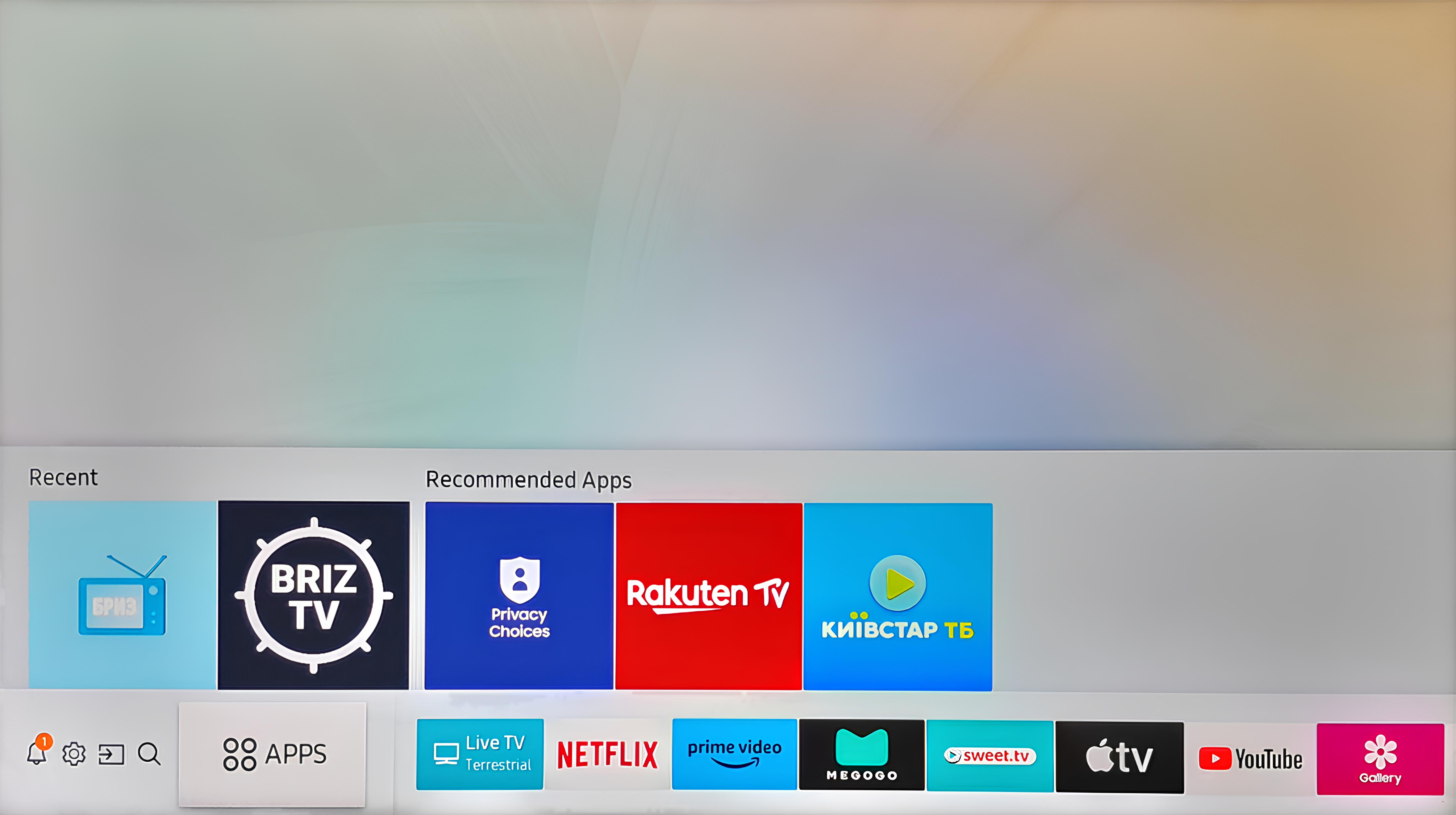
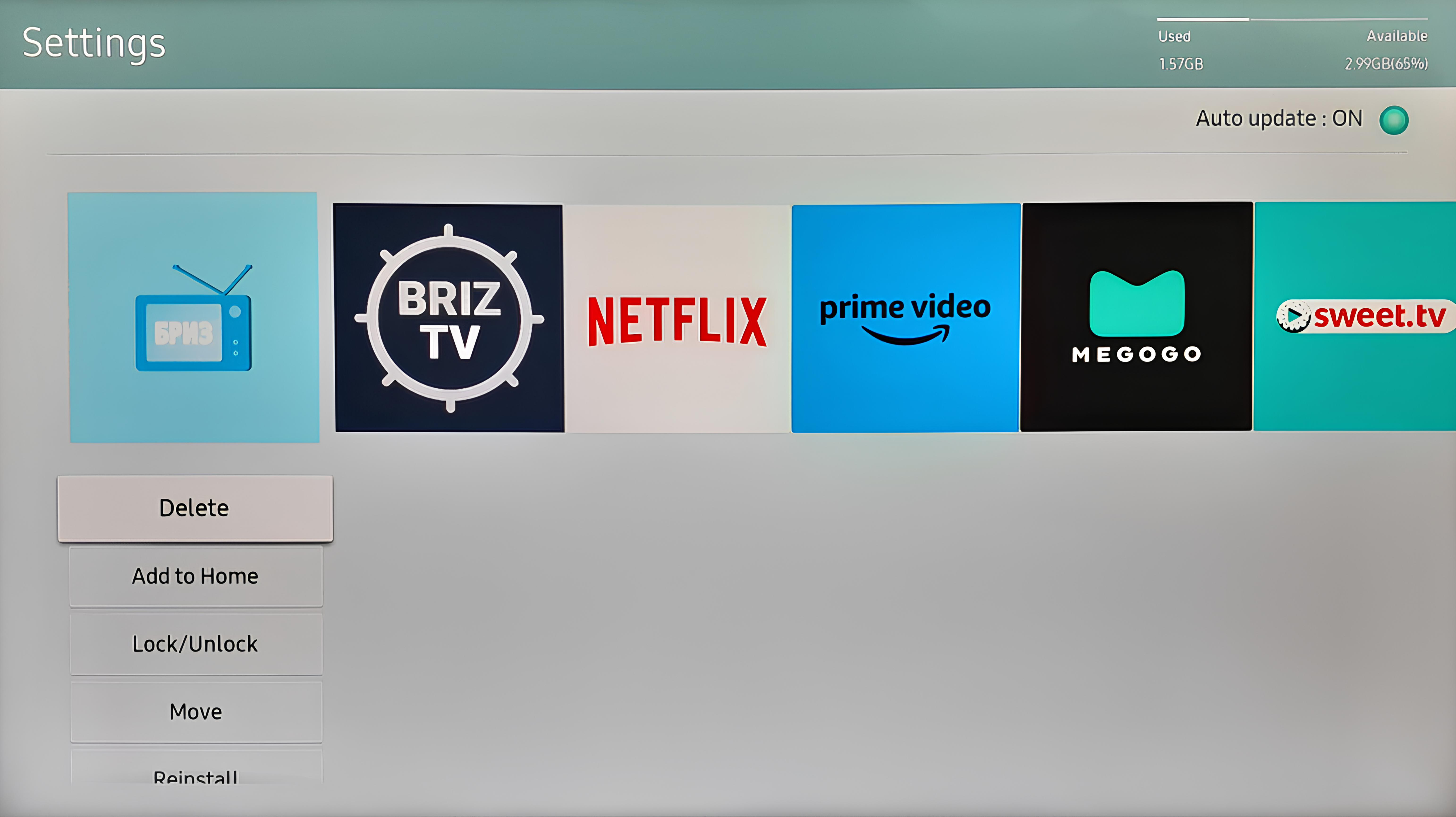
2.In the settings (look for the "Gear" icon in the upper right corner of the screen), locate the application - Briz IPTV.
3.Click on "Delete".
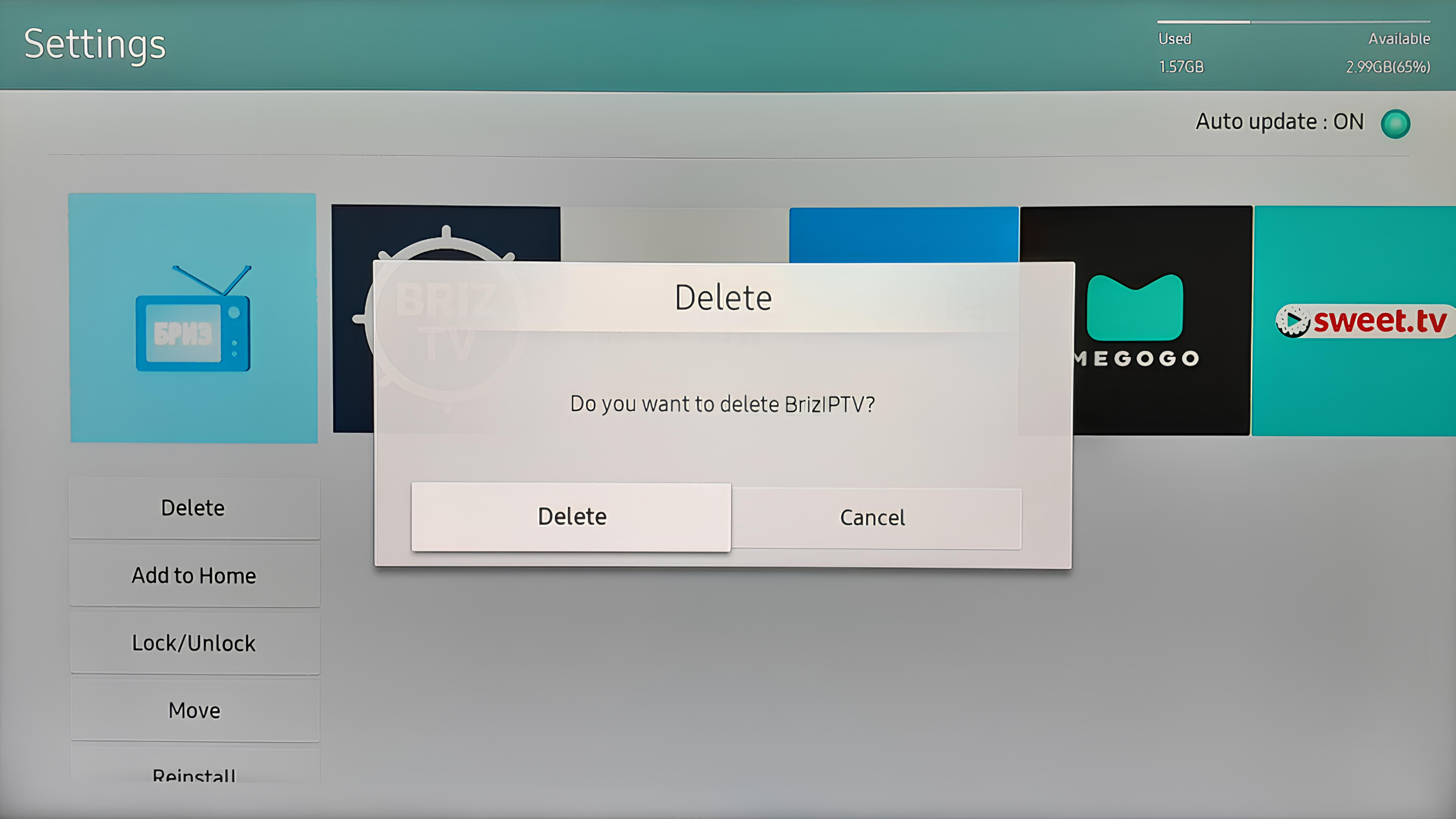
4.Return to the "Apps" section by pressing the Back button or following step 1.
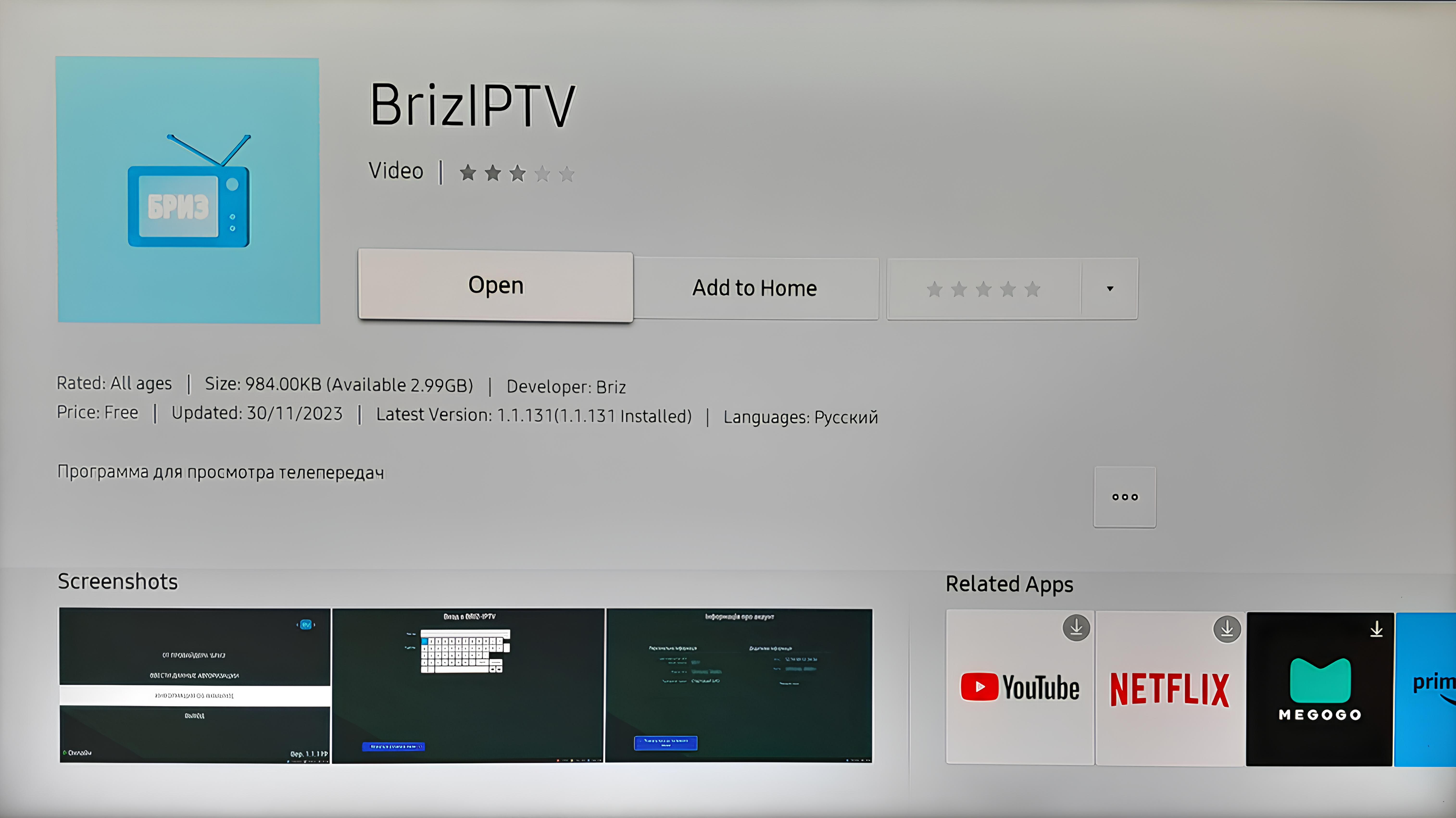
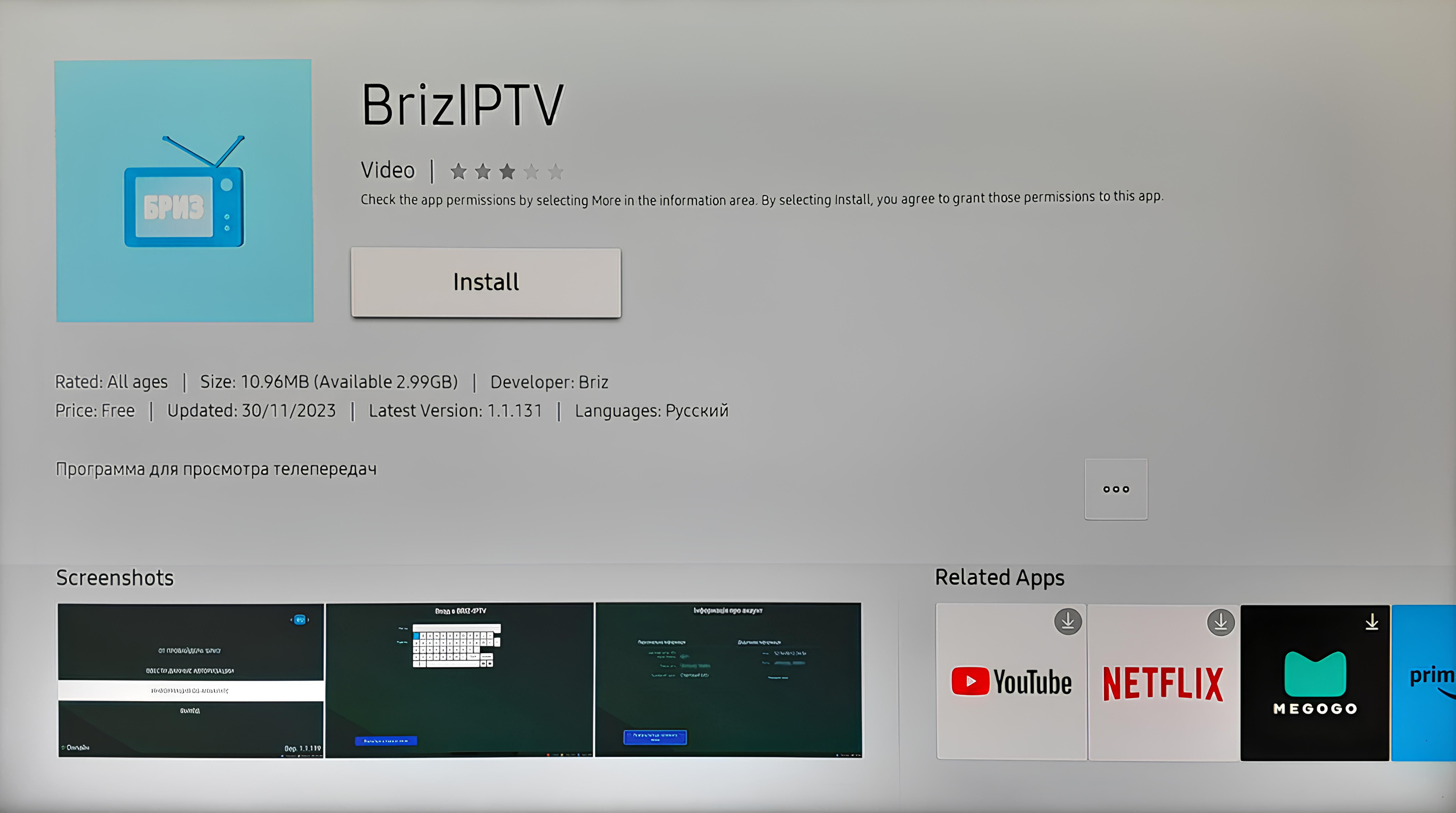
5.In the search bar (find the "Magnifying glass" icon in the upper right corner of the screen), enter the name of the application - Briz IPTV.
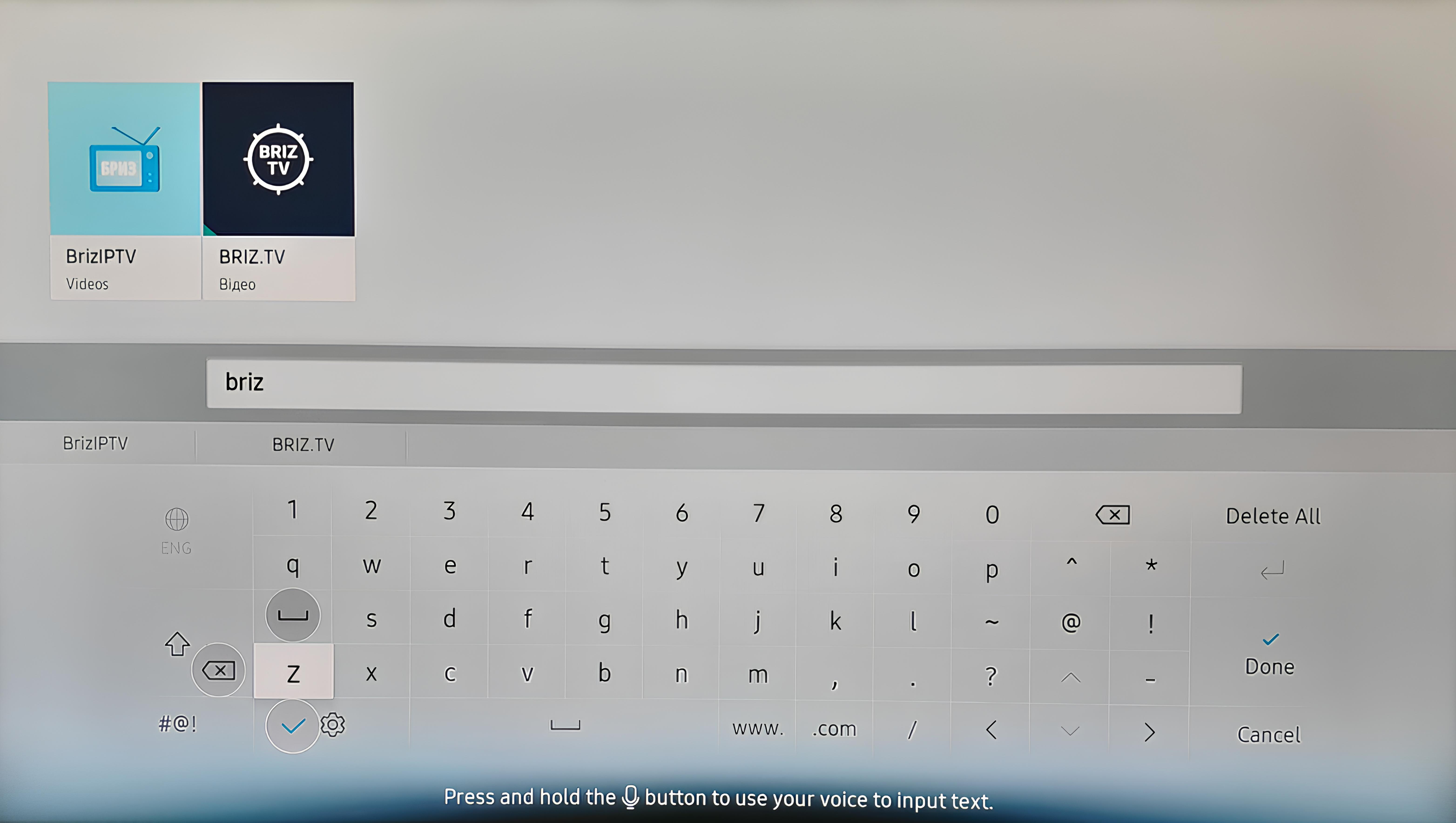
6.Once the search results display the application, select it and click on "Install".
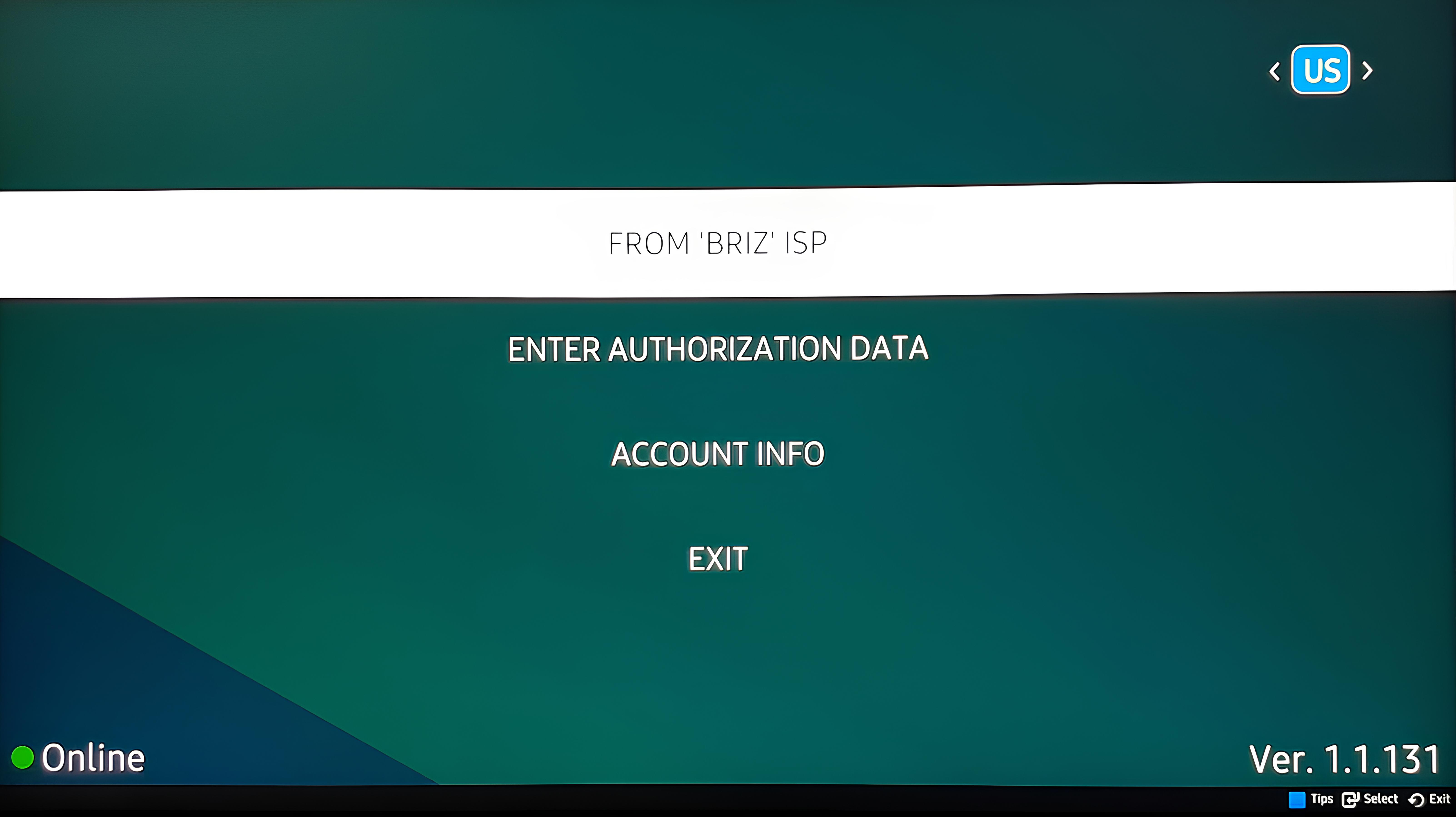
7.After the download is complete, click on "Open". This will take you to the Briz Smart IPTV main page.