- I didn't pay for the internet on time. Will it disappear?
- How to pay for services?
- I don't remember the contract number. How do you recognize him?
- How can I find out how much money I have in my account?
- I have topped up my account, but there is no internet. Why?
- How do I add a payment card to my account?
- Payment without access to the Personal Account
How do I add a payment card to my account?
To make payment for services even more convenient, you can add your bank card to your personal account.
We have three ways to do this. We will tell you more about each of them below.
The first method:
1. Log in to your personal account.
2. Click on the "Top up balance" button.
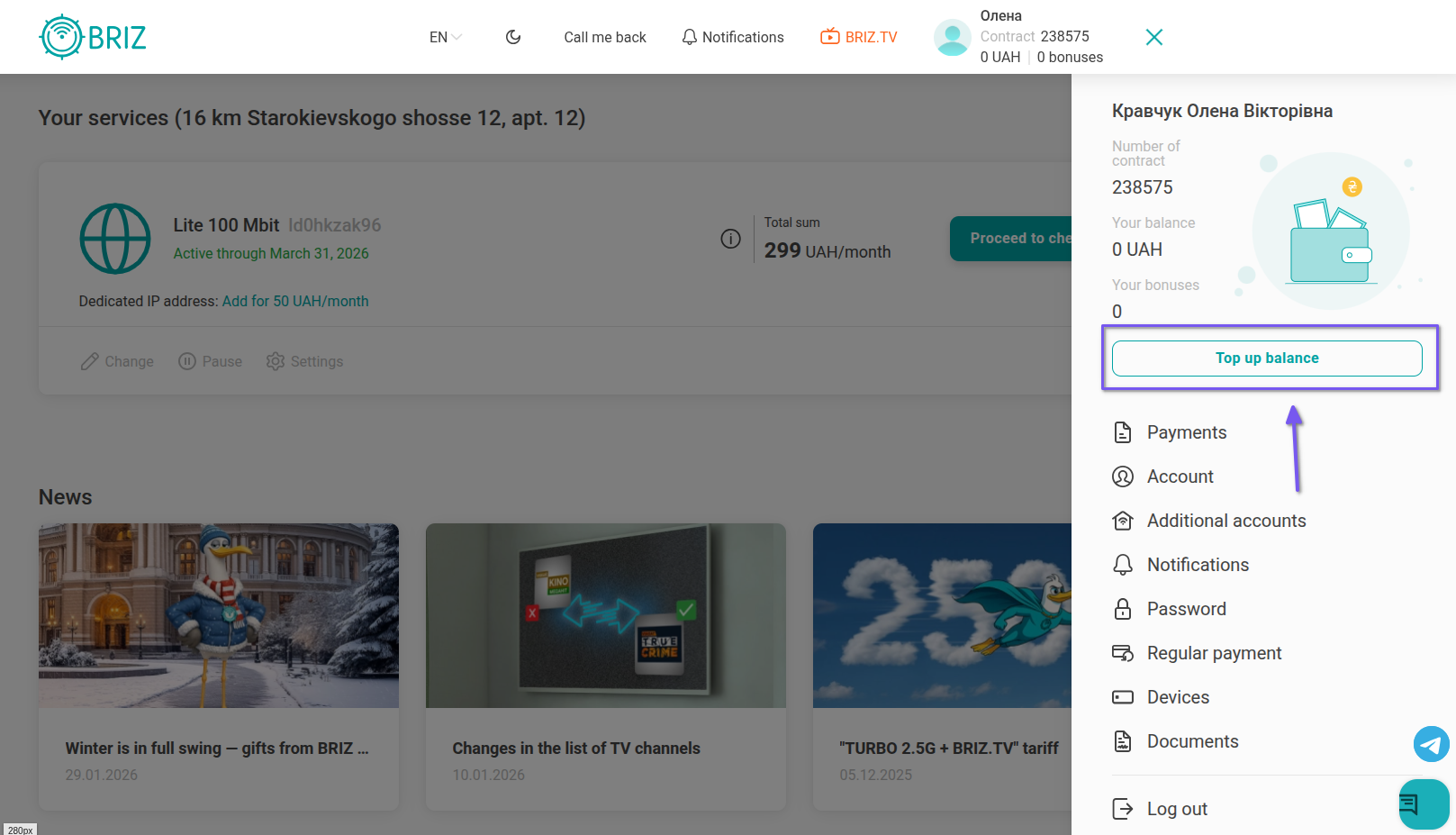
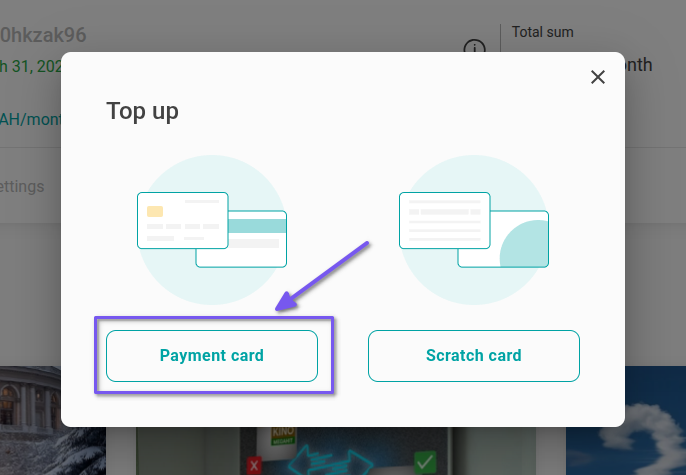
3. Choose the "Payment card" method of replenishment.
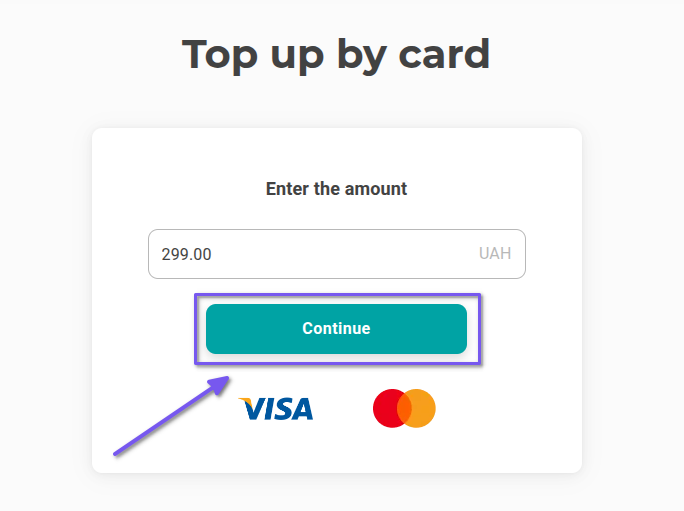
4. Enter the required amount and click "Continue".
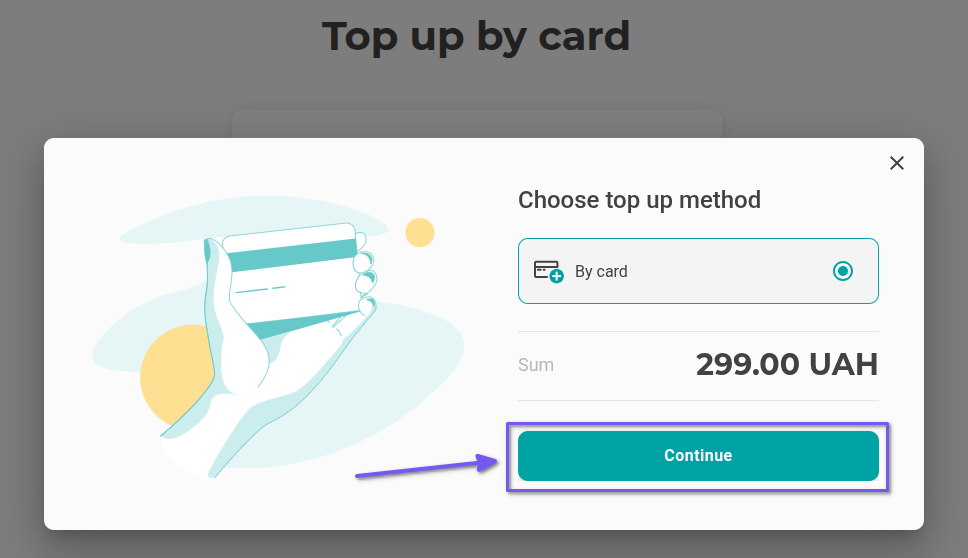
5. Select the payment method "Pay with card" and click "Pay".
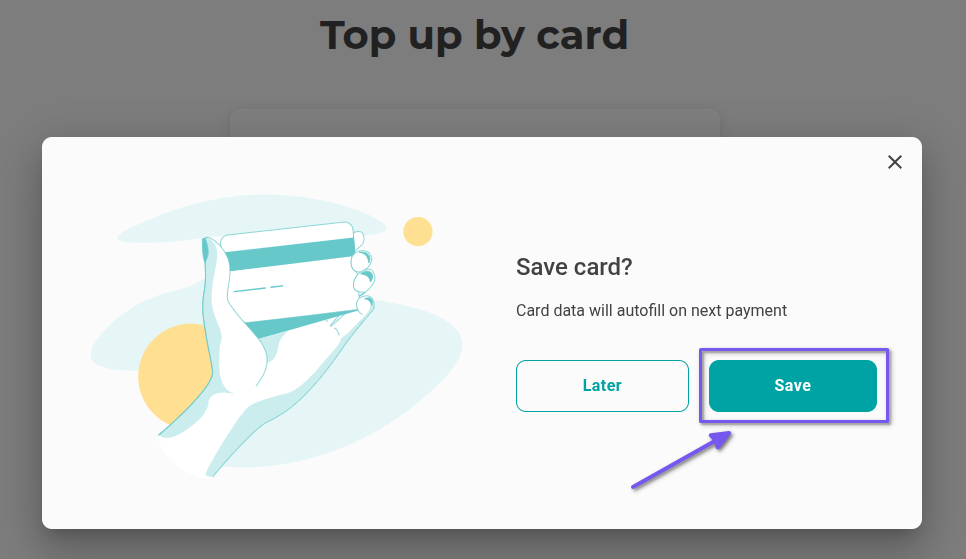
6. Next, click on the "Save" button.
7. Enter your bank card details and click "Pay". Select "Confirm" in the pop-up window. Then click "Return to site". The card is saved.Now you can pay for services conveniently and quickly.
The second way:
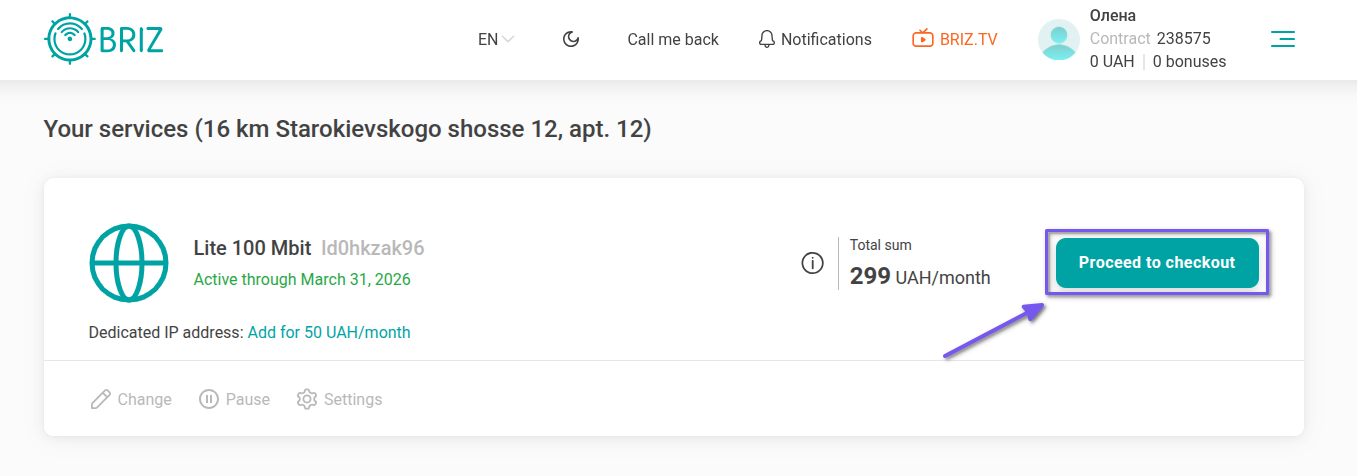
1. In your personal account, click on the "Proceed to checkout" button.
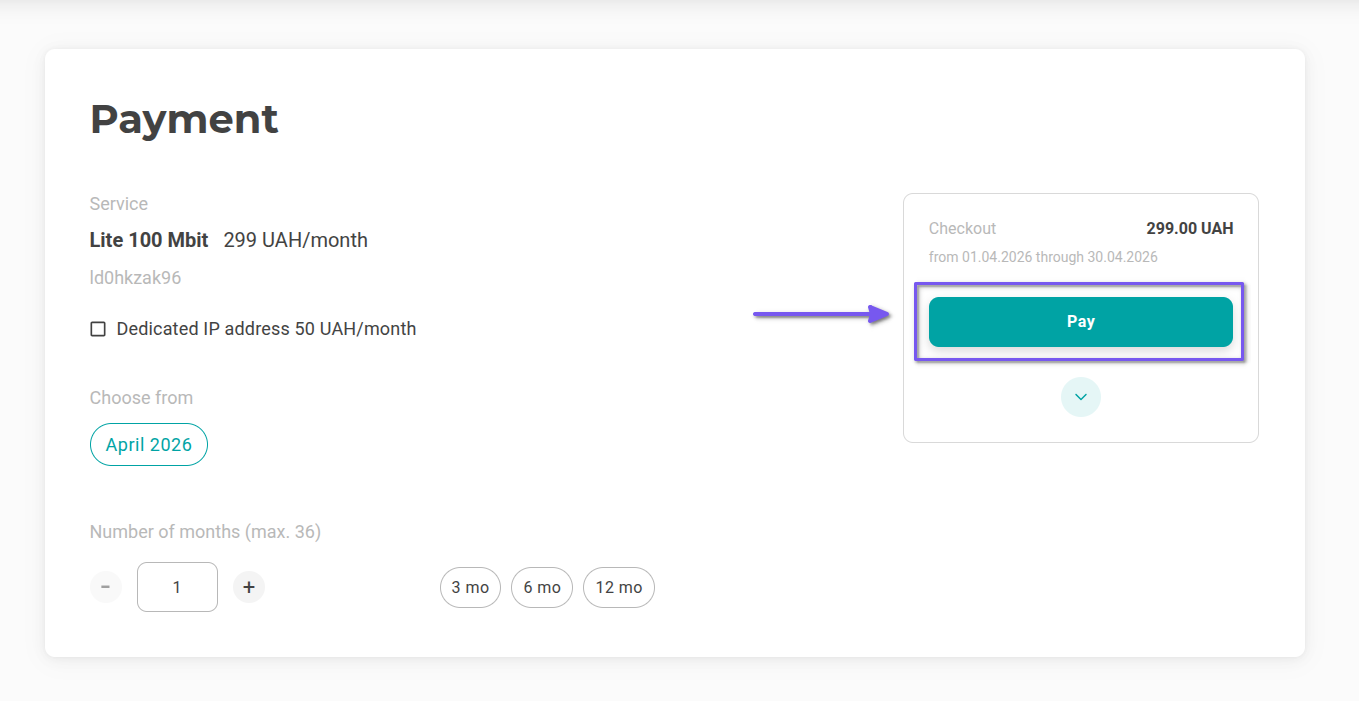
2. Then click "Pay".
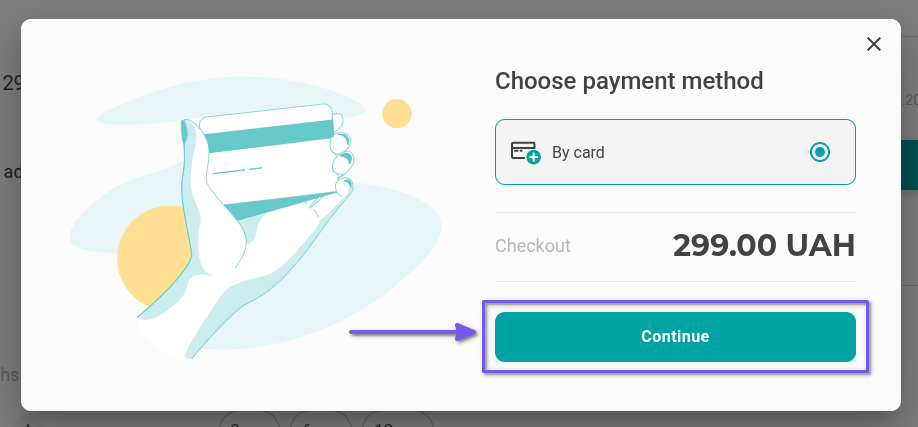
3. Select the payment method "Pay with card" and click "Pay".
4. Then click on the "Save" button.
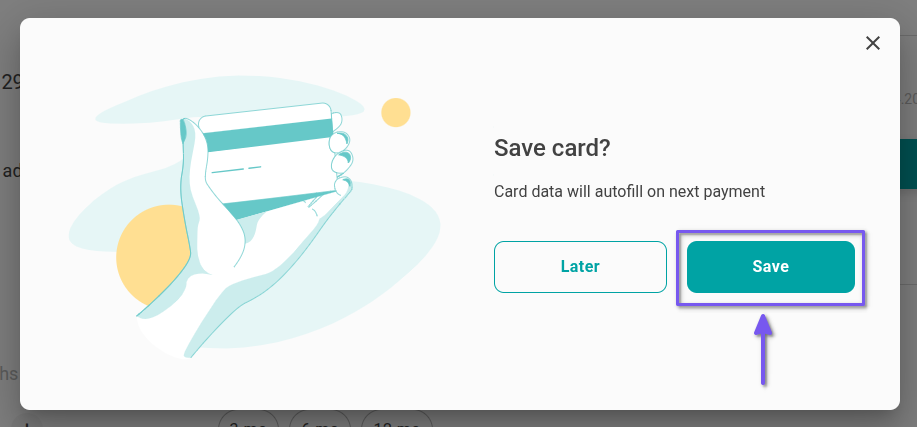
5. Enter your bank card details and click "Pay". Select "Confirm" in the pop-up window. Then click "Return to site". The payment card is saved.
The third method:
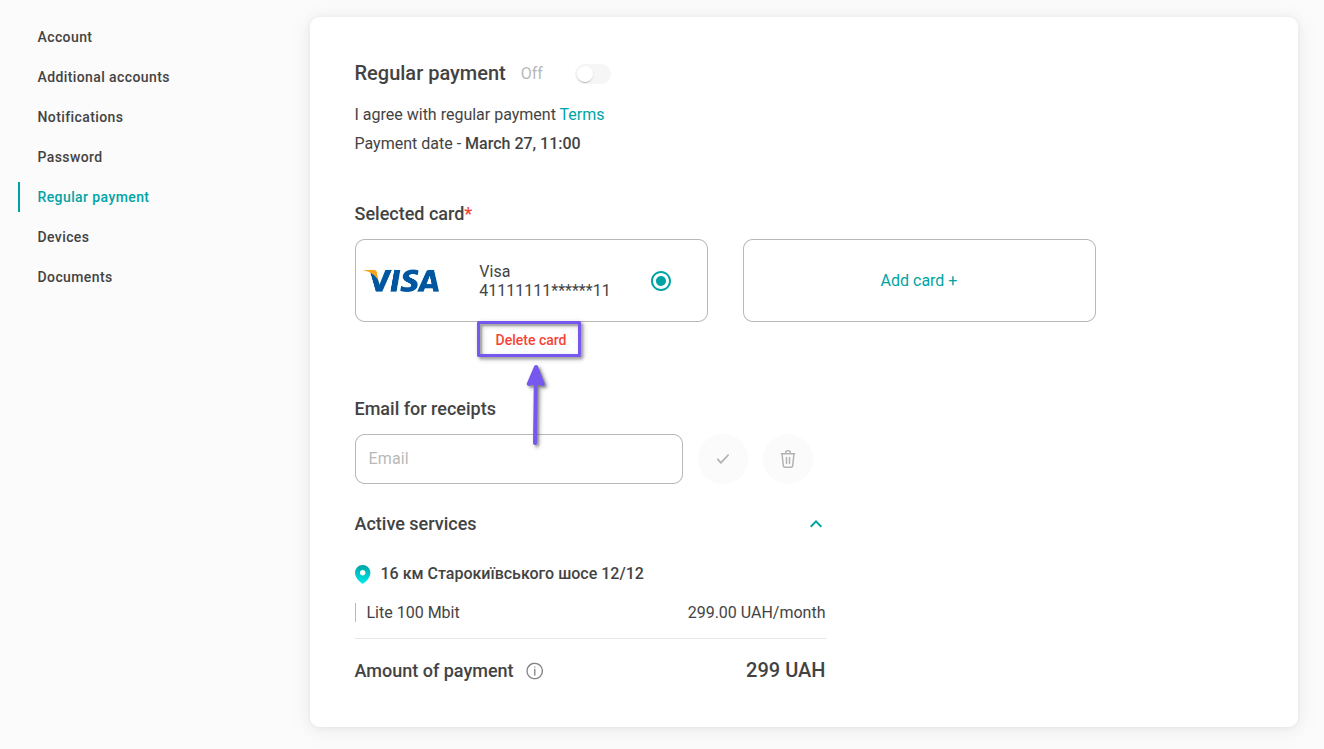
1. In your personal account, go to the "Regular payment" section.
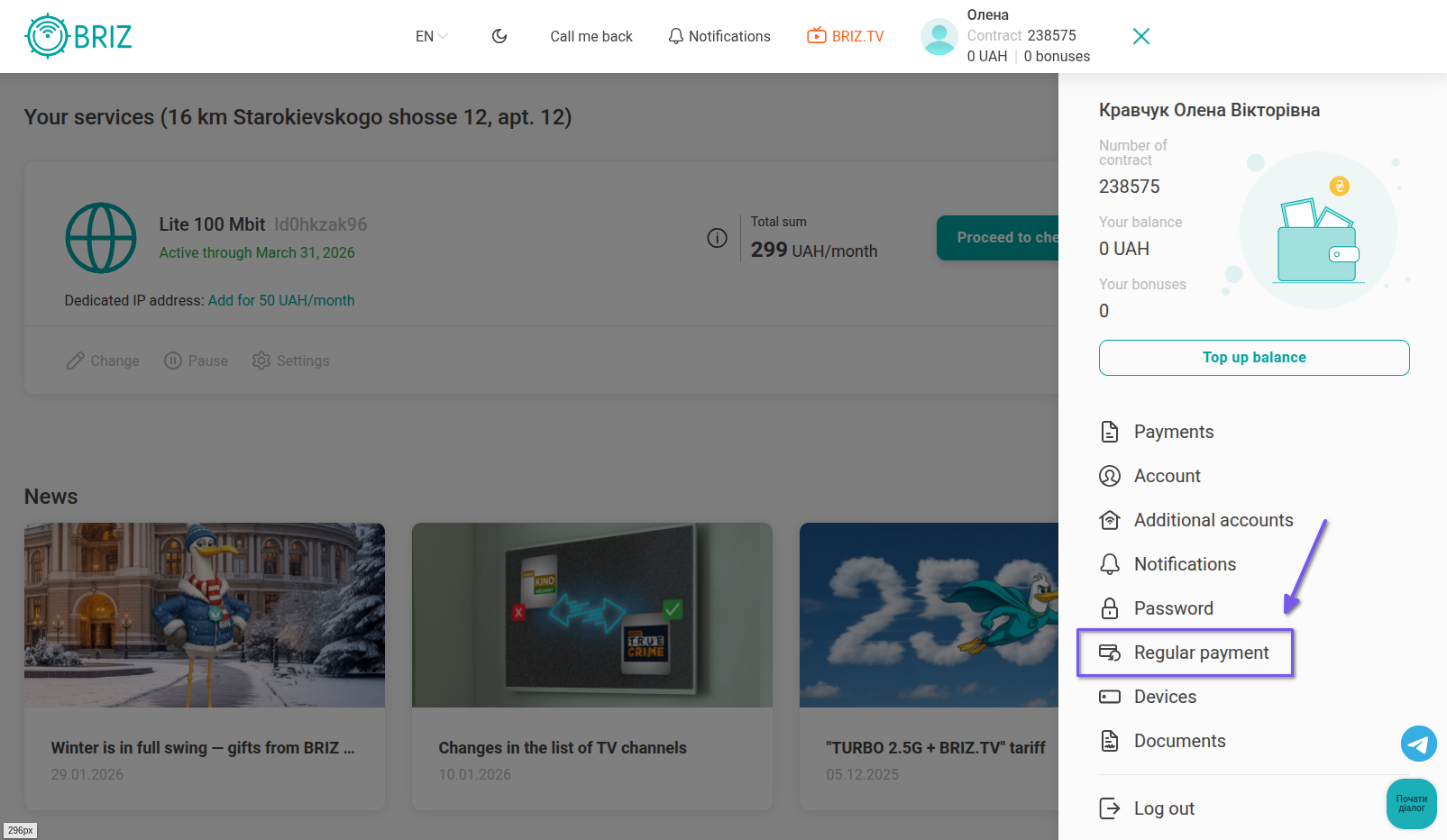
2. All added payment cards will be displayed on this page. To add a new card, click the "Add card" button.
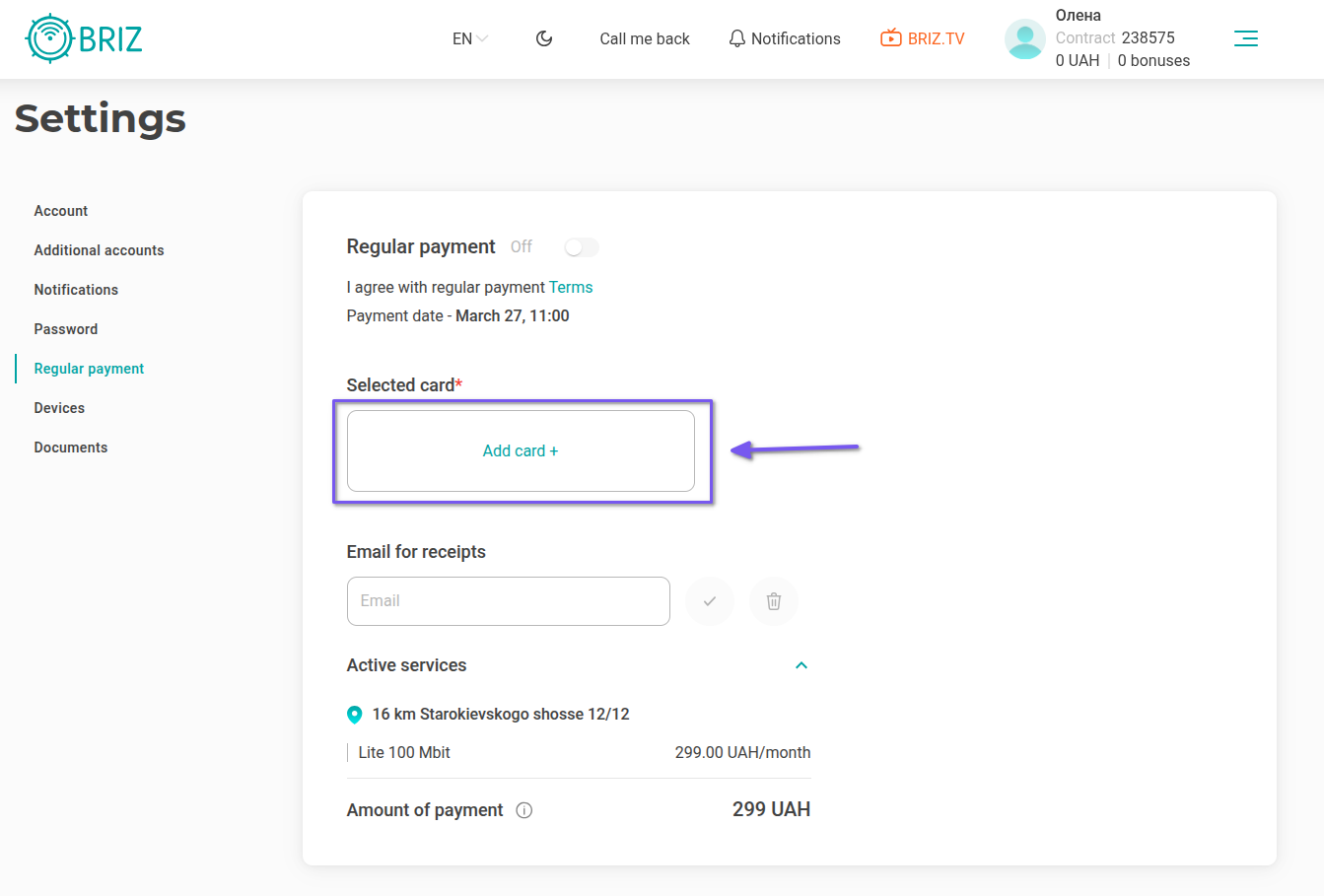
3. In the pop-up window that appears, click "Continue".
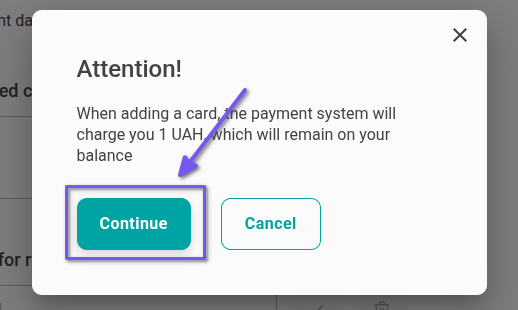
4. Enter your bank card details and click "Pay". Select "Confirm" in the pop-up window. Then click "Return to site". The payment card is saved. If necessary, you can add several payment cards to your personal account.
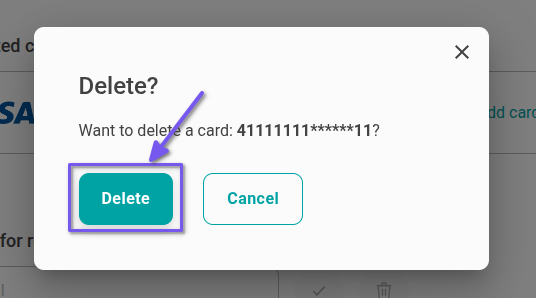
5. To delete a card, just click on "Delete card".
6. Then select "Delete".
If you encounter any difficulties or questions while adding your card, please contact our support operators.