


Review of TP‑Link routers for gigabit internet: Archer C64, EX520, EB210 Pro
to read 5 min
What gigabit internet is and who really needs it
Just a few years ago, a speed of 100 Mbps was enough for most home tasks.. Movies downloaded, YouTube did not freeze, and what else was needed? But today, a dozen or more connected devices can be working in one apartment: smartphones, laptops, Smart TVs, gaming consoles, cameras, set-top boxes, smart home devices. And all of them are constantly online.
Gigabit internet is a speed of up to 1000 Mbps, which is 10 times more than 100 Mbps plans.. And here is the most interesting part: the difference in speed is huge, while the monthly fee difference is minimal. For a small extra charge, you get a completely different level of internet. This is especially relevant for fiber optic connection (GPON), where the line itself already allows speeds of up to 2500 Mbps. Gigabit is not just for IT specialists and not something to keep in reserve. It is about comfort right now. About not waiting and not limiting yourself.
But there is one important point: for gigabit internet to work at full capacity, you need more than just a suitable router. Next, we will look at what kind of router is needed for gigabit internet and what to pay attention to when choosing one.
Why a gigabit plan alone is not enough for high speed
A common situation is this: you switch to a high-speed plan, your expectations are sky-high, but in the speed test you see the same 90-100 Mbps. And a logical question arises: where is the speed? In most cases, the problem is not with the plan or the line. The reason is the equipment. What can limit internet speed:
-
Device network card
If your PC or laptop has a network card that supports only 100 Mbps, it is physically unable to receive gigabit speed.
-
Cable
Old or low-quality cables can limit speed to 100 Mbps. For gigabit, you need at least a Cat5e or Cat6 cable in good condition.
-
Connection through outdated equipment
Switches, additional access points, or other network devices between the router and your device may also not support gigabit speed.
-
Wi-Fi standard.
If your router or device supports only older Wi-Fi standards, you will not get high speed even with a modern plan.
But in most cases, it is the router that limits the speed. If it has ports of only 100 Mbps, then it simply will not pass gigabit speed through. It is important to make sure that your entire home network is ready for such an upgrade.
What to pay attention to when choosing a router for gigabit internet:
-
Gigabit WAN/LAN ports
This is the first thing without which it will be impossible to get such speed. If your router has ports only up to 100 Mbps, it physically will not pass more through: neither by cable nor by Wi-Fi.
-
Support for modern Wi-Fi standards (802.11ac and above)
Gigabit internet works effectively not only over cable, but also over a wireless connection. If the router supports only older standards, then the Wi-Fi speed will be limited regardless of the plan
-
Router hardware and support for modern technologies.
Speed depends not only on WAN ports and the Wi-Fi standard: the processor, amount of RAM, support for MU-MIMO, OFDMA, and other technologies affect stability and performance under heavy loads with a large number of connected devices. Even an apartment or a two-story house with a dozen gadgets is already a serious load for a budget router.
Router review
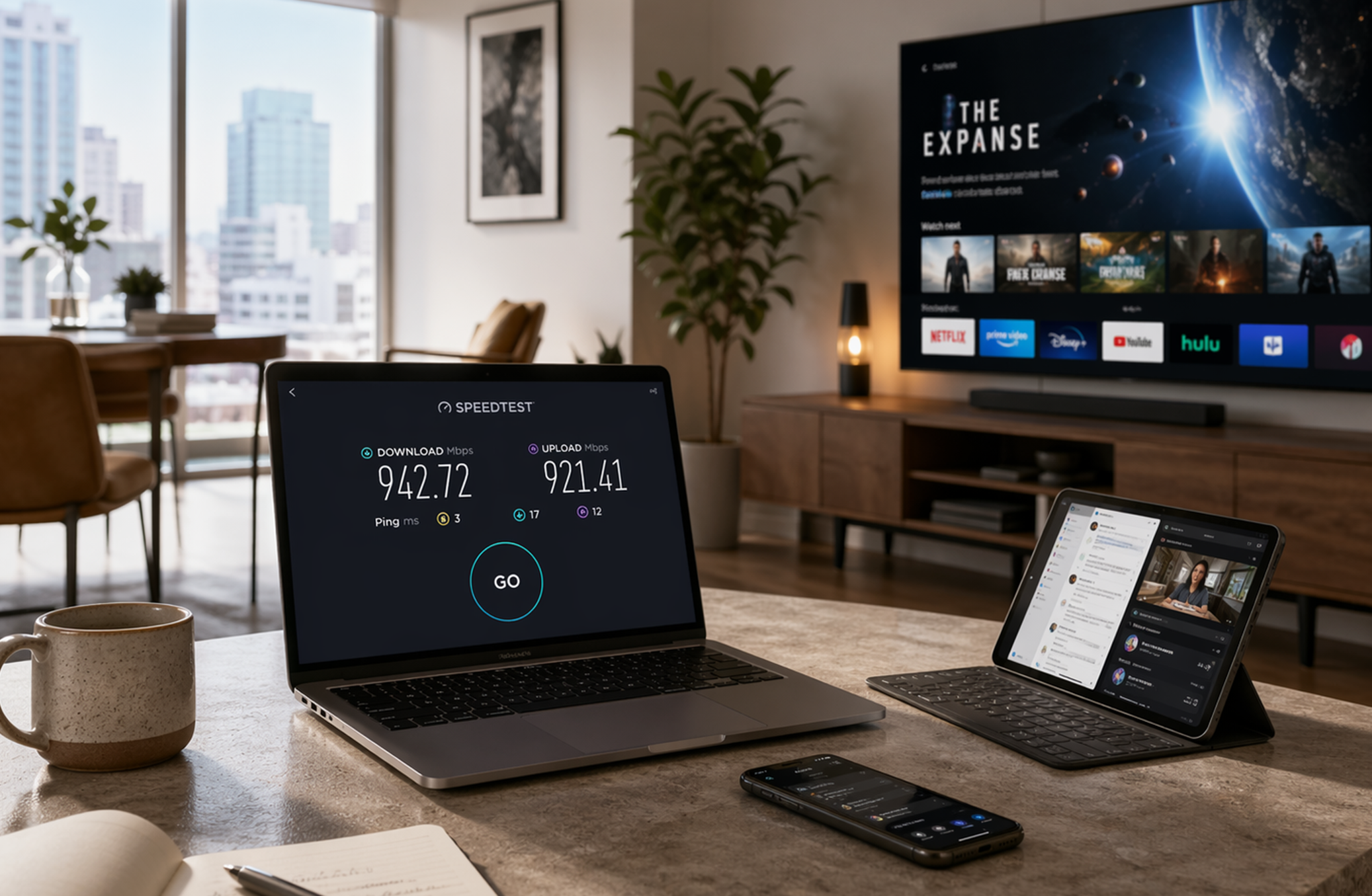
When choosing equipment, it is important to consider not only the router model, but also how it will be installed and configured. Because even the most powerful device will not show its maximum without proper configuration.
BRIZ offers a turnkey solution: the price of the router already includes delivery, connection, and full configuration for your plan. Our specialists check the gigabit connection, optimally configure Wi-Fi, test the speed, and make sure everything works at maximum performance. You do not need to understand the technical nuances: you simply get fast internet without unnecessary hassle.
Next, we will look at router models that are best suited for gigabit connection and different usage scenarios.
A dual-band Wi-Fi router with gigabit ports, designed for an apartment or a small private house. It is ideal for everyday internet use, video streaming, and working online without claims to top-tier performance.
The router is equipped with 1 WAN and 4 LAN gigabit ports (10/100/1000 Mbps). The device operates in two bands: 2.4 GHz (up to 400 Mbps) and 5 GHz (up to 867 Mbps), which corresponds to the 802.11ac standard (Wi-Fi 5). The router supports MU-MIMO technology for simultaneous data transmission to several devices and Beamforming for focusing the signal and creating a more reliable connection. Among the disadvantages are the absence of USB ports and possible coverage limitations in large areas or with dense obstacles. Among the advantages are the price and support for EasyMesh, with the possibility of connecting several routers into a seamless wireless network.
A modern dual-band Wi-Fi 6 router, suitable for an apartment or house with a large number of devices, 4K/8K video streaming, and gaming. It combines high speed, modern technologies, network optimization, and gigabit ports, which makes it an attractive option for its price.
The router operates in two bands, has 1 WAN port and 4 LAN ports with gigabit speed support (10/100/1000 Mbps), which allows wired connection of computers, gaming consoles, and TVs at maximum speed.
The EX520 is equipped with four external antennas and Beamforming technology, and it also uses modern OFDMA and MU-MIMO technologies, which increase bandwidth and reduce latency. The device also supports EasyMesh creation.
A modern dual-band Wi-Fi 7 router that offers high wireless speeds and flexible connection options for modern networks in a large house or office.
A promising option for those who want a modern network with maximum performance, especially if many devices, high loads, and zero tolerance for slowdowns are expected.
It uses the latest standard (802.11be) and supports a range of technologies that increase network speed, efficiency, and reliability.
It has 1 WAN port at 2.5 Gbps and 1 LAN port at 2.5 Gbps, as well as three classic gigabit LAN ports (10/100/1000 Mbps). With this, you will be able to make the most of high-speed internet and connect several wired devices with high throughput. In addition, there is USB 3.0, which allows you to connect external drives or create cloud storage if needed.
Wi-Fi works in two bands: 5 GHz (up to 2880 Mbps) and 2.4 GHz (up to 688 Mbps). Support for Multi-Link Operation (MLO), 4K-QAM, OFDMA, Beamforming, and 160 MHz channel width. EasyMesh functions are also available, allowing you to combine several compatible routers into a single seamless network with wider coverage.
How to choose a router and get a consultation
If you are choosing a router for a new connection or thinking about upgrading your plan, it is better to compare the model with your conditions: area, walls, how many people are online at the same time, and whether you plan to use 4K, gaming, or remote work. You can submit a request on the briz.ua website or by calling technical support. We will advise you on which router is best suited to your tasks and help you choose everything you need.
Receive information about promotions and news from BRIZ to your email address

Be the first to comment