


What to ask an internet provider before connecting home internet?
to read min
- What connection technology is available at my address?
- Does the internet work during power outages?
- What is the full cost of connecting home internet and the monthly payment?
- What router is needed for home internet?
- How quickly does technical support respond and help?
- What do neighbors say about this provider?
- How to connect home internet in Odesa?
Connecting internet at home seems simple: choose a tariff, submit a request, wait for the technician. The problem is that most people stop right there and look only at the speed number and the price, without asking anything else.
And then it turns out that in the evening, when the whole building is online, your speed drops by half. Or that during a blackout, the connection simply disappears because the provider has no backup power at its network nodes. Or that Wi-Fi does not reach the second room because the router is basic and no one offered to replace it. All of this can be solved before installation - with a few questions that are worth asking your internet provider in advance.
What connection technology is available at my address?
The first question should be about which technology is physically available in your building, because everything else depends on it. In most urban apartment buildings today, two options are available: GPON or FTTB.
GPON - this is fiber optic cable directly to the apartment, meaning the cable goes straight into your home. Fiber optic cable does not require electricity on the section from the network node to the apartment, so with proper network organization it can work even during power outages. The provider only needs to ensure backup power at its own network nodes.
FTTB - fiber reaches the building, and then a regular copper cable runs through the entrance area. This is enough for basic tasks, but it does not always work without electricity, and the connection quality partly depends on the condition of the building's internal network. And that is no longer the responsibility of the provider.
So before connecting, it is worth clarifying three things:
- which technology is available specifically at your address
- whether it is possible to upgrade to a higher speed if your needs grow
- how the network performs during peak hours
Does the internet work during power outages?
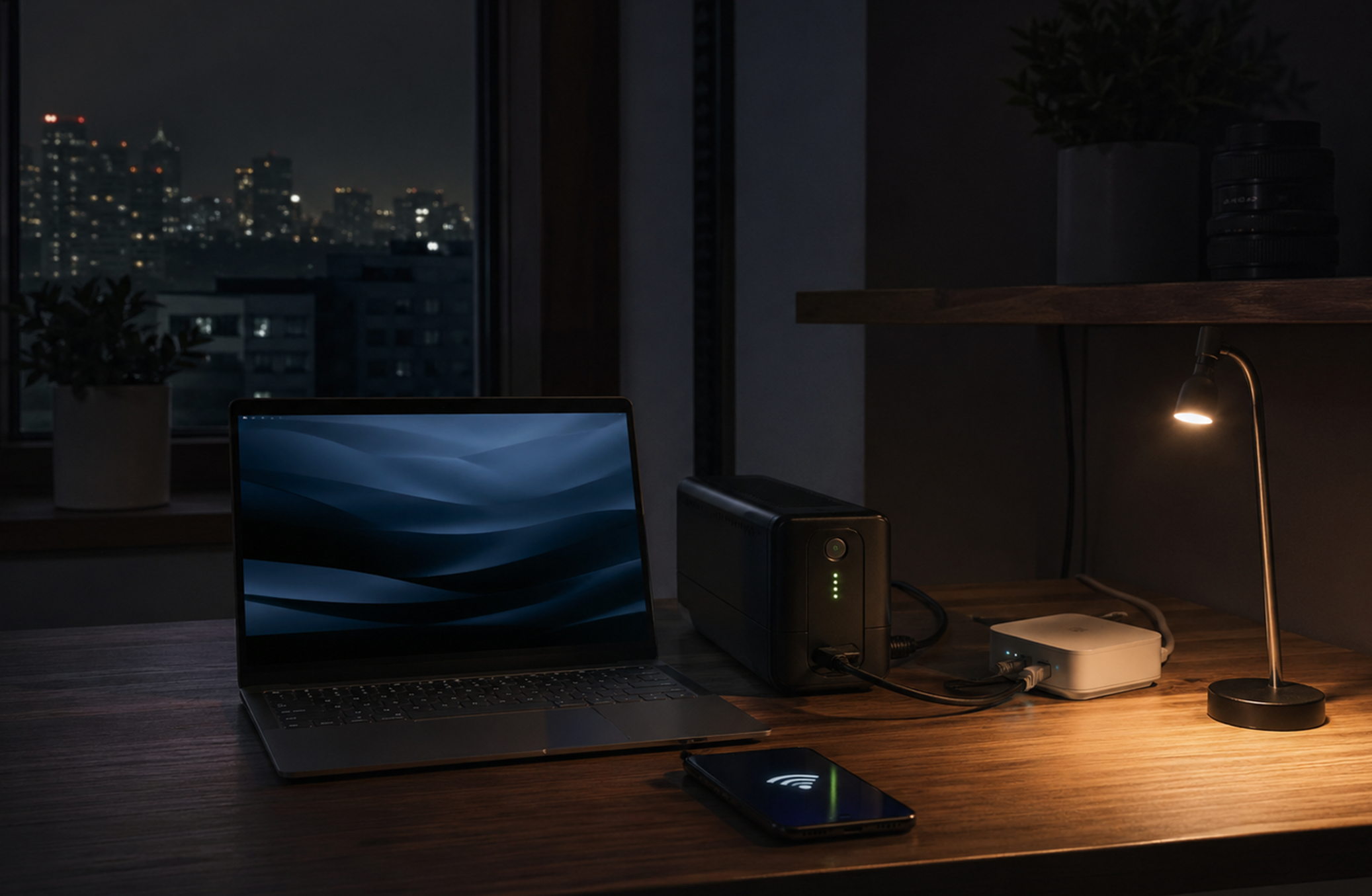
For many people, this is no longer an extra question, but one of the first. And rightly so: it is better to find this out before connection than during the first blackout. Everything depends on two things at the same time: the provider and what you have installed at home.
On the provider's side, the network nodes must have backup power. If they do, the network works during an outage. If not, the internet disappears along with the electricity, regardless of the tariff or technology.
On your side, the ONU terminal and router also need power. Without it, there is simply nowhere to transmit the signal. This can be solved with a power bank with a 12V output or a small UPS. The internet provider should advise which equipment is suitable for your specific configuration. So before connecting, it is worth asking:
- how many hours the provider's network can operate on backup power
- whether the ONU and router need separate power - and with what exactly, what voltages are required
- whether there are ready-made turnkey solutions if you do not want to figure it out yourself
What is the full cost of connecting home internet and the monthly payment?
The price in advertising is almost always the best version of the price. The real amount consists of several parts, and if you do not ask in advance, some of them may appear only after connection. Here is what you should clarify before submitting a request:
- Connection cost. It may be free or not: it depends on the address, tariff, or promotion. It is better to know right away.
- Promotional price. If the tariff is cheap, ask how long this price will last and what the price will be afterward. The difference can be significant.
- Equipment. The ONU and router may be included, or they may be rented or sold separately. Monthly router rental can become a noticeable amount over a year.
- Setup. Is Wi-Fi setup included in the connection cost, or is it a separate service?
A decent provider answers these questions without hesitation because there is nothing to hide.
What router is needed for home internet?
An incompatible or weak router is easier to identify before connection than to deal with afterward. A router can limit speed or provide poor coverage to neighboring rooms if the apartment is large or has thick walls. It can also freeze when phones, laptops, a TV, a set-top box, and several smart devices are connected to it at the same time, because not all routers handle load equally well.
But there is an even more technical point that is rarely discussed in advance: not every router is suitable for every type of connection. With GPON, the provider usually installs its own terminal (ONU), and the router connects to it via a regular LAN cable. In this case, any standard router with a WAN port will work.
And with some other connection schemes, the provider may supply a router with its own firmware, and using your own device may not be possible or may work with limitations. So before connecting, it is worth asking:
- whether you can use your own router and what the requirements are
- whether a router from the provider is required, either for rent or purchase
- recommendations for placing and setting up Wi-Fi in your home
How quickly does technical support respond and help?
The internet does not disappear on schedule. And it is exactly at that moment that it becomes clear what the provider is really worth: not the tariff and not the advertising, but how quickly someone answers the phone and what happens next. The question is not whether support exists. Everyone has it. The question is how it works in practice:
- Working hours. 24/7 support and support "from 9 to 6 on weekdays" are two different things if the internet goes down at 10 p.m. on a Friday.
- Contact channels. Phone call, chat, messenger - it is worth knowing in advance. If the only option is a phone line with a queue, that is already a warning sign.
- Technician visit. When it is needed, how it is arranged, and whether it is paid.
What do neighbors say about this provider?
Before connecting, there is one step many people skip, and they should not. The most accurate information about a provider in your building comes from people who already use it.
The thing is, even with the same provider, quality can differ from one building to another. In one building there may be new fiber and everything works well, while in another there may be old equipment and endless complaints in the homeowners' chat. This is not about the tariff; it is about the specific infrastructure at your address. Where to look:
- Neighbors in the entrance area: the most direct option. One question takes a minute.
- Telegram chat of the building or homeowners' association: there are usually complaints, recommendations, and discussions about outages.
- Local district groups: useful if you want to compare several providers in your neighborhood.
What to pay attention to in reviews: whether there were regular outages, how the home internet behaved during blackouts, and how quickly support responded to problems.
How to connect home internet in Odesa?
The right questions for a provider are a way to understand how the internet will behave specifically in your apartment, not in an advertisement. Now all that remains is to find an internet provider that will answer all of this honestly. If you are in Odesa, BRIZ answers these questions specifically.
In terms of technology, BRIZ was one of the first in Odesa to introduce XG-PON. This is not marketing: it means up to 2.5 Gbit/s in regular home tariffs and up to 10 Gbit/s individually. Multi-gigabit speeds are available here to regular home users, not only to businesses.
As for operation during blackouts, the BRIZ fiber optic network is designed so that there is not a single active element that requires electricity on the route between the node and your building. The nodes are connected to generators and batteries. If you have a UPS at home for the ONU and router, you stay online even during long outages, for more than 100+ hours.
Technical specialists work around the clock, and connection takes from 1 to 3 business days from the request to a working internet connection. And one more thing that is rarely mentioned right away: all BRIZ tariffs include access to starter BRIZ.TV channels in digital quality without a separate subscription. It is simply included in the price.
Submit a request and connect home internet at your address, and make sure that all the questions from this article already have an answer.
Receive information about promotions and news from BRIZ to your email address

Be the first to comment