- How to enter your personal account?
- How to use the quick login to your personal account?
- I can't enter my personal account. What to do?
- How to pay for services through a personal account?
- How to top up balance?
- How can I change the MAC address in my account by yourself?
- "Regular payment" service
- How to view your payment history?
- How to change the tariff?
- How to suspend services?
- What settings does my account have?
- How can I pay for additional services with bonuses?
- What are Additional accounts?
- What are the advantages of multi-account?
- How to create an administrative account?
- How to confirm account connection?
- When can't an account be linked?
- How to check connected accounts?
- What are the administrator's capabilities?
- Does the owner of a child account have access to other accounts?
- How to log out of a multi-account?
- How do I change the administrator or delete the entire multi-account?
- How to choose the right account?
- How to make a payment?
- Whose balance is used for payment?
- Bonus accrual
- What payment methods are available?
- Where can I view my payment history?
- How does auto payment work?
- How does payment happen if "Regular payment" is enabled on a sub-account?
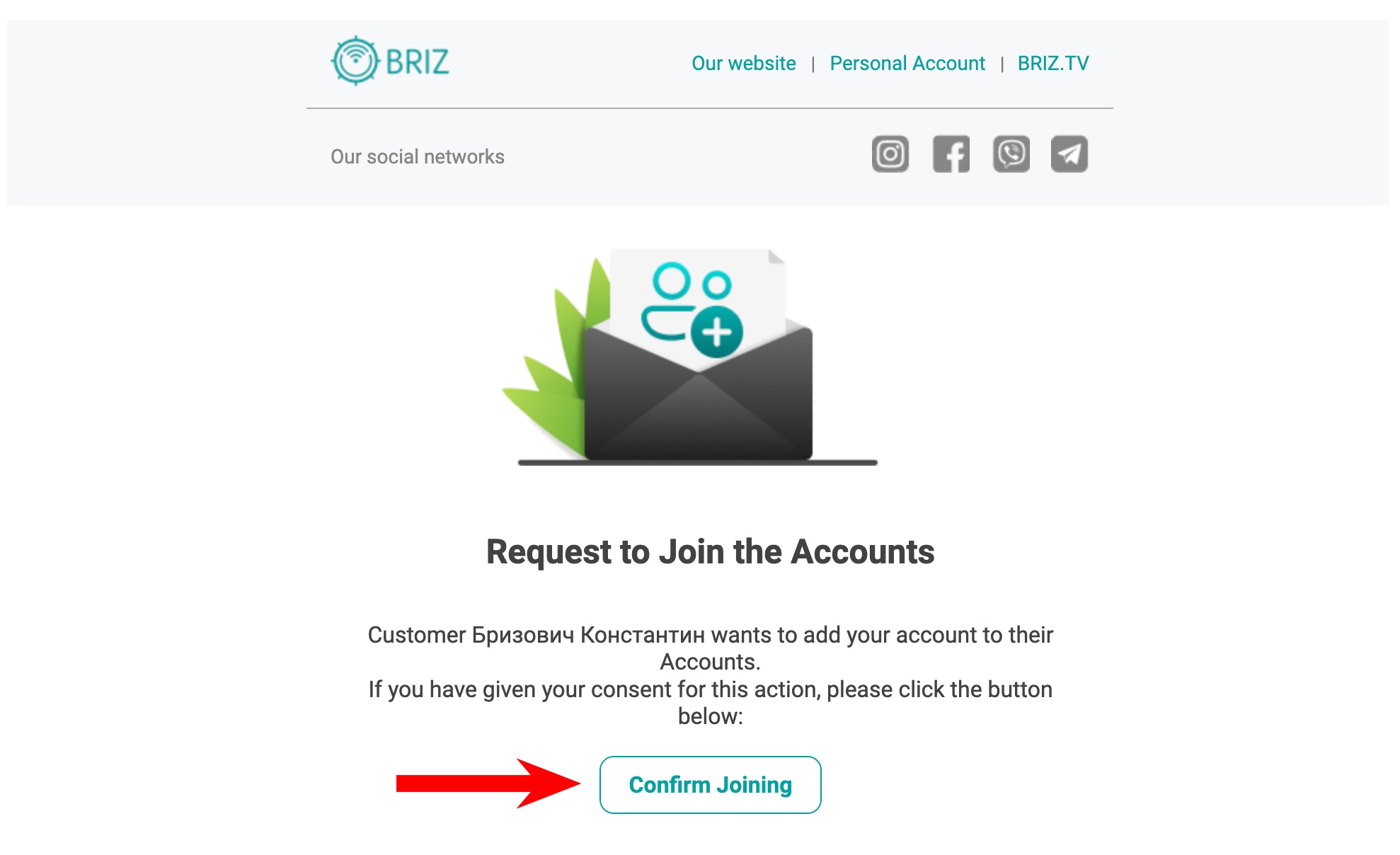
How to confirm account connection?
- Check the message:
The owner of the child account will receive an email or SMS with a link to confirm the connection. - Follow the link:
Click on the link in the message - confirmation will occur automatically. - Take into account the expiration date:
The confirmation link is valid for 10 minutes. - If confirmation failed:
The owner of the administrative account can resend the request through his personal account. - Alternative option:
If the message does not arrive or it is impossible to confirm the connection, contact the technical support service for assistance.