Main
Help
Configuring routers
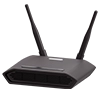
Setting up the router TENDA
Internet on PC
Configuring routers
Configuring CTV
Configuring BRIZ.TV
Other
Setting up the router TENDA
We connect the cable to a free LAN port of the router and to the computer.
In the browser on the computer, type
http://192.168.0.1
in the address bar (if it does not open, type
http://192.168.1.1
).
In the authorization page that opens, type in the username and password fields -
admin.
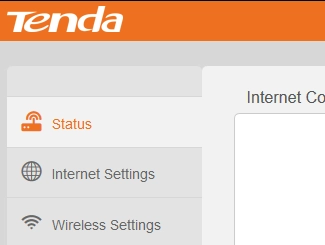
Depending on what color the page opened, choose yours from the options below and continue setting.
Old TENDA interface
Usefull links
Setting up a router
Xiaomi router setup
Reconfigure the router
Configuring a Netis Router
Setting up a Mikrotik router
Setting up a TP-Link router
Setting up a D-Link router
Setting up a Mercusys router
Asus router setup
Briz
Support Contacts
093 797 25 25
068 797 25 25
095 797 25 25
048 797 25 25
supp@briz.ua
Assistant from «BRIZ» in Telegram
View your account information;
Register your device's MAC address yourself.
Join us on Telegram